Scalable Vector Shapes 2D's icon

Scalable Vector Shapes 2D 2.19.0 2D Tools 4.4 Community

Submitted by user renevanderark; MIT; 2026-02-05

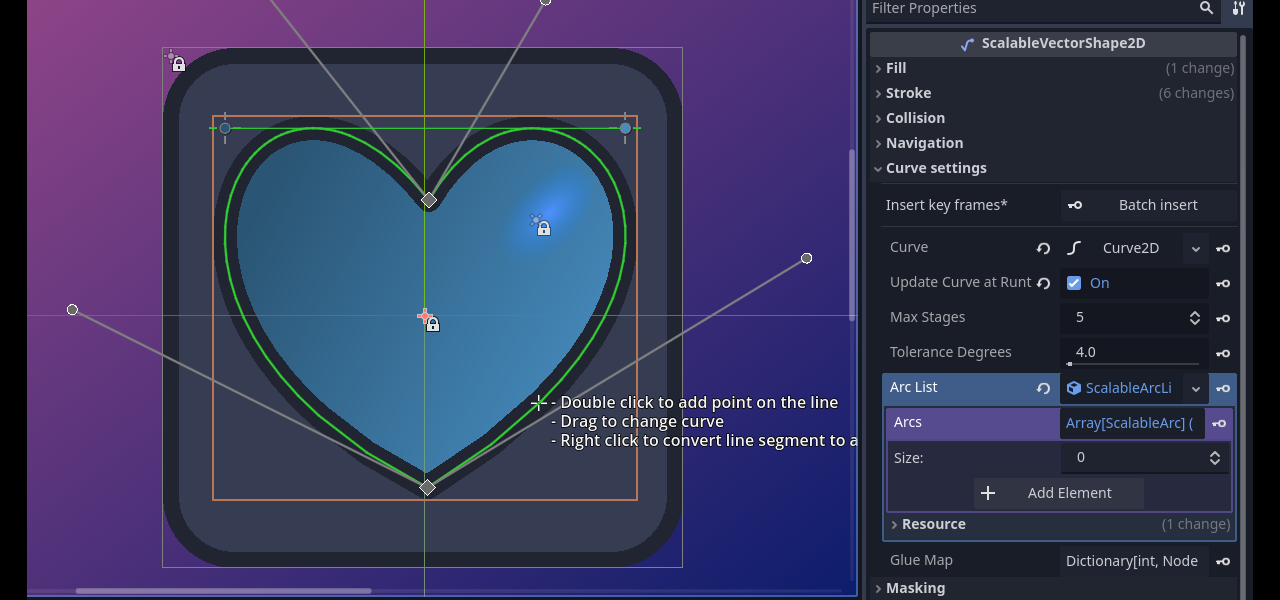
Scalable Vector Shapes 2D lets you do 3 things:
- Draw Crisp Vector Strokes, Fillls, Collisions and Navigation Polygons using a Path Editor inspired by the awesome Inkscape
- Animate Curves of your Vector Shapes (useful for faces, whips, dents in cans)
- Import .svg files as seamless Vector Shapes in stead of as raster images

⚠️Important:
If you are updating* you may need to reload your project once for the plugin to work again, due to some renamed components.

* The safest way to update this plugin is to:
1. Save and close all your open scenes
2. Disable the plugin via `Project > Project Settings > Plugins`
3. Close your project (quit to project list)
4. Download the stable zip from github:
https://github.com/Teaching-myself-Godot/ez-curved-lines-2d/archive/refs/tags/2.19.0.zip
5. Fully replace `res://addons/curved-lines2d` with the same directory in the zip file
6. Open your project again and enable again via `Project > Project Settings > Plugins`
7. If you see errors, just click on: `Project > Reload Current Project`

Spotted a bug? Help me fix it quickly by reporting it on github:
https://github.com/Teaching-myself-Godot/ez-curved-lines-2d/issues

# Changelog

## 2.19.0

### Added

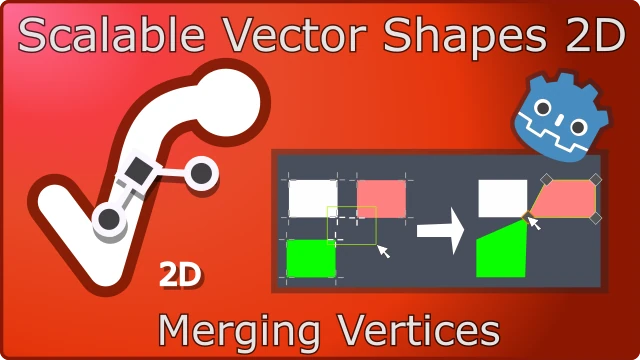
- Ability to 'merge' a point of 2 or more `ScalableVectorShape2D` nodes using a new `SVSVertexMerge2D` node


## 2.18.4

### Added
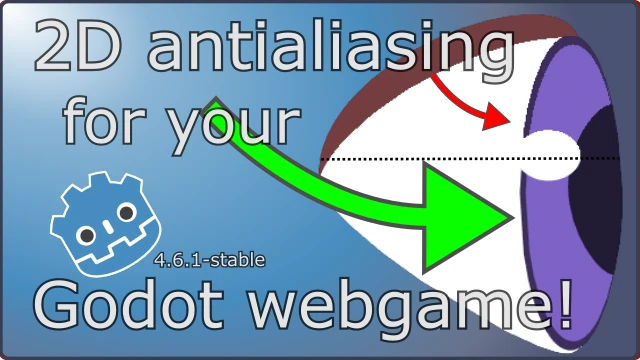
- Automatically set an antialiasing texture for Line2D, adding Compatibility support, inspired by Calinou's Antialiased Line2D plugin (in the Scalable Vector Shapes 2D bottom dock under the Project Settings tab).
- Also set antialiasing texture for Line2D via SVG imported when checked On in the Project Settings tab
- Added link to Part VII of "Let's make an actual game"
- Added a "Play Tatra!" tab with links to online game and codeberg repository

### Changed
- Fixes `translate()` operation in the SVG importer when taking only one parameter for the x-axis
- Fixed the dead links to the Tatra Vlog (Let's make an actual game) videos
- Fixed bug: when a GUI `Control` adds a scalable SVG texture via the inspector button, while being scene root, it becomes the owner of the `SVGTextureHelper` node
- Fixes `Curve > Batch Insert Keyframes` Inspector-button for 4.6-stable

See also: https://github.com/Teaching-myself-Godot/ez-curved-lines-2d/blob/master/CHANGELOG.md


View files Download Submit an issue Recent Edits