Edit of asset "Swallowtail - Godot Automation" Accepted
| Old/Current | New/Edit | |
|---|---|---|
| Title | Swallowtail - Godot Automation | Godot MCP/CLI |
| Description |
Swallowtail automates Godot from your terminal, your scripts, and any tool you connect. It works against the editor you already have open: inspect and edit scenes, validate scenes and scripts, play the game, send input, read state back, capture frames, break and step in the debugger, then fix and verify without leaving the interface. Supported scene edits go through the editor's undo history; script and file changes are yours to review in version control. The addon hosts two local servers inside the editor: a WebSocket server the swallowtail command line tool connects to, and an optional streamable-HTTP MCP endpoint an MCP client connects to with no extra process. No agent, model, or AI account is required; MCP is one optional interface. Project-local commands in res://mcp_commands/ register beside the built-ins and appear in the CLI, in help, and as MCP tools. Godot 4.7 is the target; 4.3 through 4.8 work in beta. The command line tool and the agent skill are separate downloads from the repository releases. This addon shipped as Godot MCP/CLI through 0.11; existing projects move with swallowtail migrate. Development tooling: disable the plugin and exclude addons/swallowtail/* in every export preset before shipping a game. The Before you ship page has the two steps and the scan that proves them. |
Godot MCP/CLI drives the Godot editor you already have open. The addon hosts a small server inside the running editor, and a command line tool or an AI agent connects to it to build scenes, write GDScript and C#, place geometry, run the game, and read state back out of it. This is not Godot's own batch command line. Running "godot --headless" or "--export-release" starts a fresh engine process with no open scene, no selection, and no undo history. This connects to the live editor session instead, so a command can act on the scene you are looking at, and every editor mutation goes through UndoRedo where Ctrl+Z reverses it. There are 312 commands across 49 groups. They cover scenes and nodes, GDScript and C# authoring, spatial placement with real world bounds and raycast seating, materials, tilemaps, animation and animation trees, physics, navigation, audio, UI, shaders, procedural generation, and project settings. A second family of commands reaches into the running game to inspect live node state, evaluate expressions, inject input, wait for signals, and capture frames, which is the part a text editor cannot do on its own. Discovery is built in. The engine group reads ClassDB from the running build, so an agent can confirm that a class, property, or method actually exists in your version of Godot before writing code against it. Newer engine features stay reachable without waiting for an addon update, because node properties and script execution reflect whatever the running binary exposes. Two ways to connect. Any MCP client that speaks streamable HTTP can talk to the editor directly at POST 127.0.0.1:9100/mcp with no external process running. Everything else uses the godot-mcp command line tool, which doubles as a stdio MCP server and is self describing at the terminal, so shell driven agents need no tool schemas at all. Both paths dispatch through the same command router with the same safety guards. Safety. Both servers bind 127.0.0.1 only and never 0.0.0.0. The HTTP endpoint also validates the Origin header, so a page open in a browser cannot reach the editor. Code execution paths are audited, direct editor write APIs are refused unless explicitly allowed, and file writes are confined to the project. Requires Godot 4.7 or newer. This entry contains the editor addon, which is all an HTTP capable MCP client needs. The command line tool, prebuilt for Windows, Linux, and macOS, and an agent skill that teaches the discover then drive workflow, are separate downloads from the GitHub releases page. |
| Category | Tools | Tools |
| License | MIT | MIT |
| Repository Provider | GitHub | GitHub |
| Repository Url | https://github.com/regiellis/godot-mcp-go | https://github.com/regiellis/godot-mcp-go |
| Issues Url | https://github.com/regiellis/godot-mcp-go/issues | https://github.com/regiellis/godot-mcp-go/issues |
| Godot version | Godot 4.3 | Godot 4.7 |
| Version String | 1.2.0 | 0.4.0 |
| Download Commit | 7b7961619dab326c905ea28f416d501467f625c9 | 4eada3eac686444ea77845b20732357380a86493 |
| Download Url (Computed) | https://github.com/regiellis/godot-mcp-go/archive/7b7961619dab326c905ea28f416d501467f625c9.zip | https://github.com/regiellis/godot-mcp-go/archive/4eada3eac686444ea77845b20732357380a86493.zip |
| Icon Url |
https://raw.githubusercontent.com/regiellis/godot-mcp-go/asset-library/addons/swallowtail/icon.png

|
https://raw.githubusercontent.com/regiellis/godot-mcp-go/asset-library/addons/godot_mcp/icon.png
|
| Preview Insert | ||
|---|---|---|
| Type | image | |
| Image/Video URL |
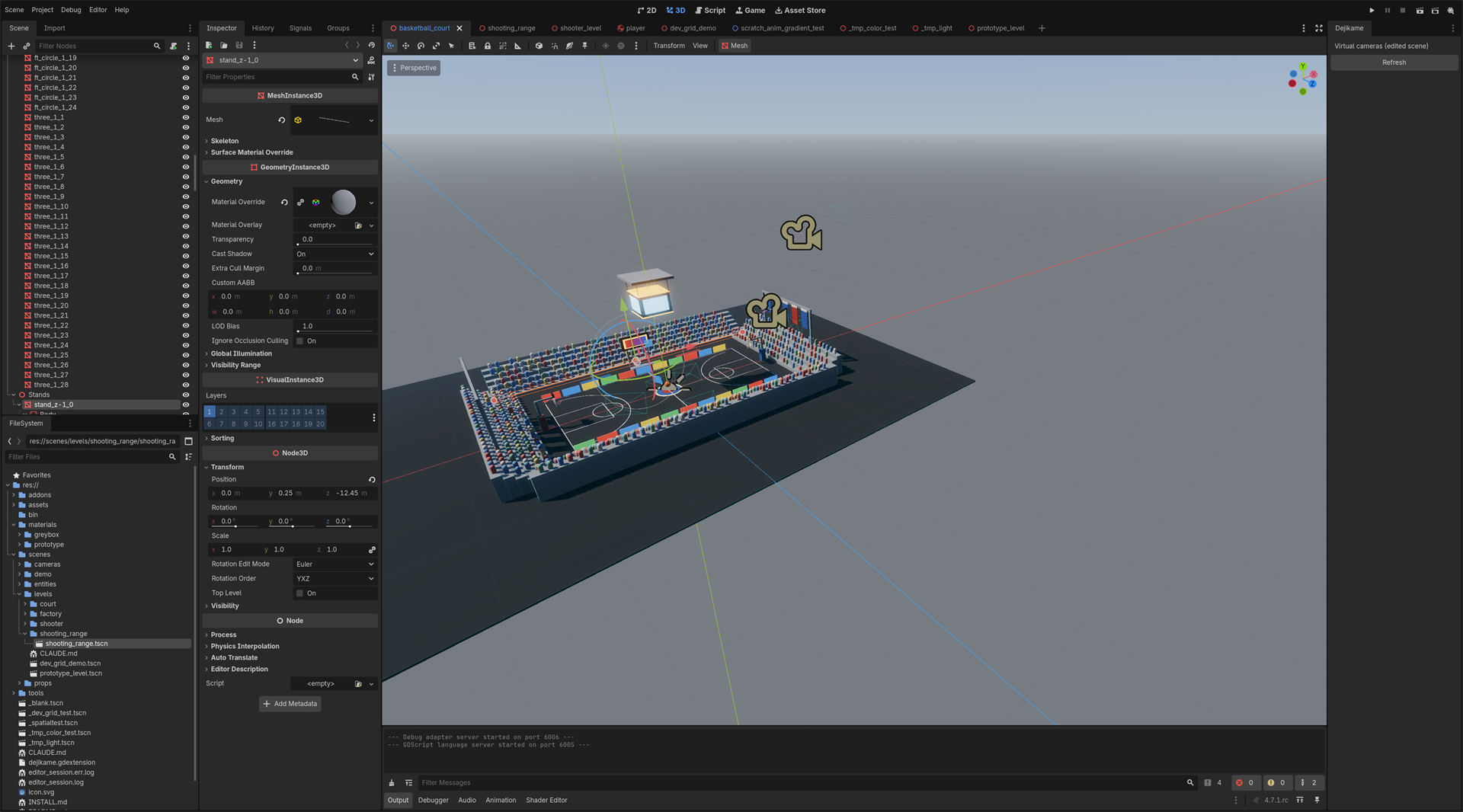
https://raw.githubusercontent.com/regiellis/godot-mcp-go/main/media/previews/court-editor.png
|
|
| Thumbnail |
|
|
| Preview Insert | ||
|---|---|---|
| Type | image | |
| Image/Video URL |
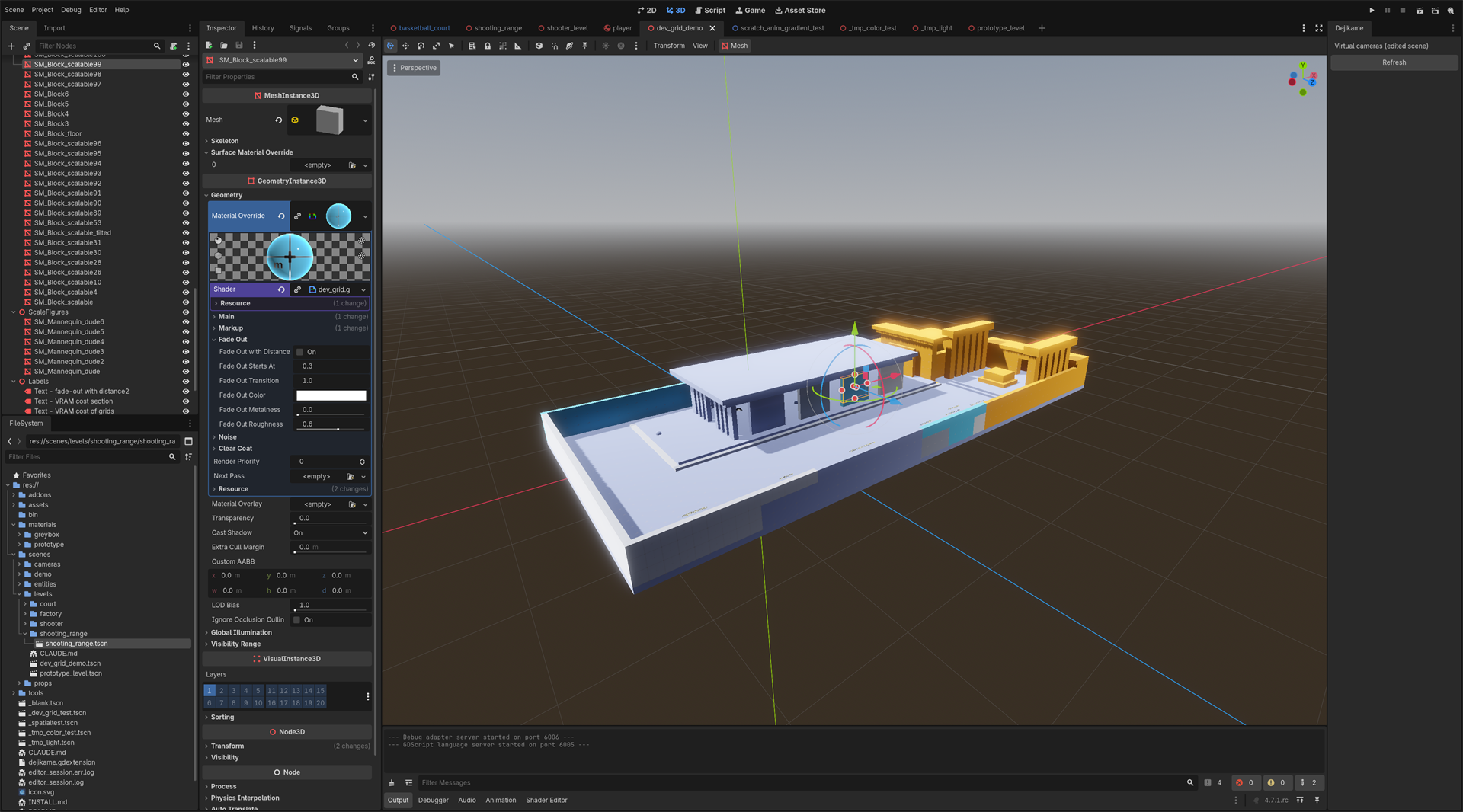
https://raw.githubusercontent.com/regiellis/godot-mcp-go/main/media/previews/devgrid-editor.png
|
|
| Thumbnail |
|
|
| Preview Insert | ||
|---|---|---|
| Type | image | |
| Image/Video URL |
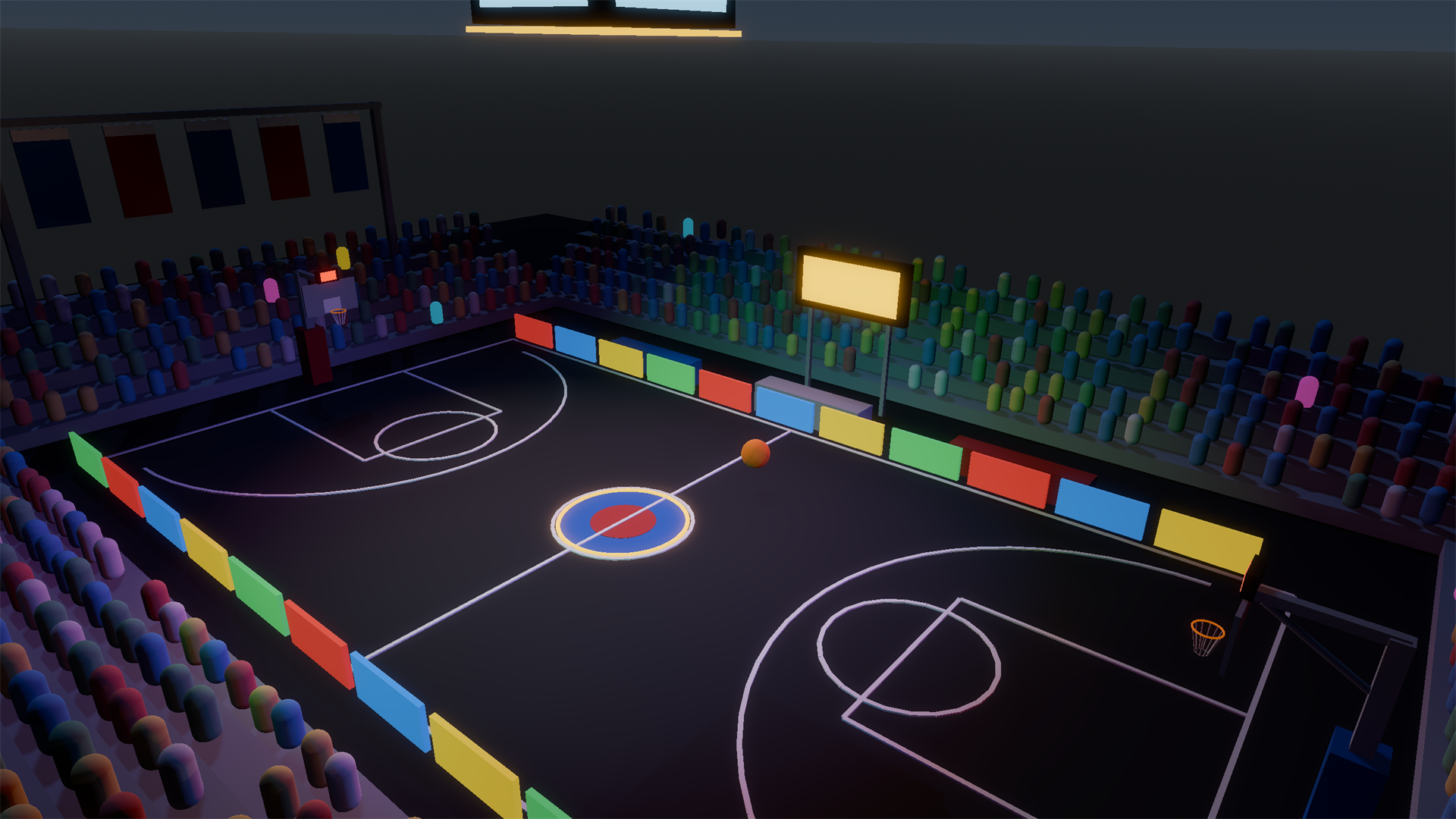
https://raw.githubusercontent.com/regiellis/godot-mcp-go/550a1619d9ade8c3349c2a44b7997a6f52fe552f/media/previews/court-game.png
|
|
| Thumbnail |
|
|