Edit of asset "Version Bumper" Accepted
| Old/Current | New/Edit | |
|---|---|---|
| Title | Version Bumper | Version Bumper |
| Description |
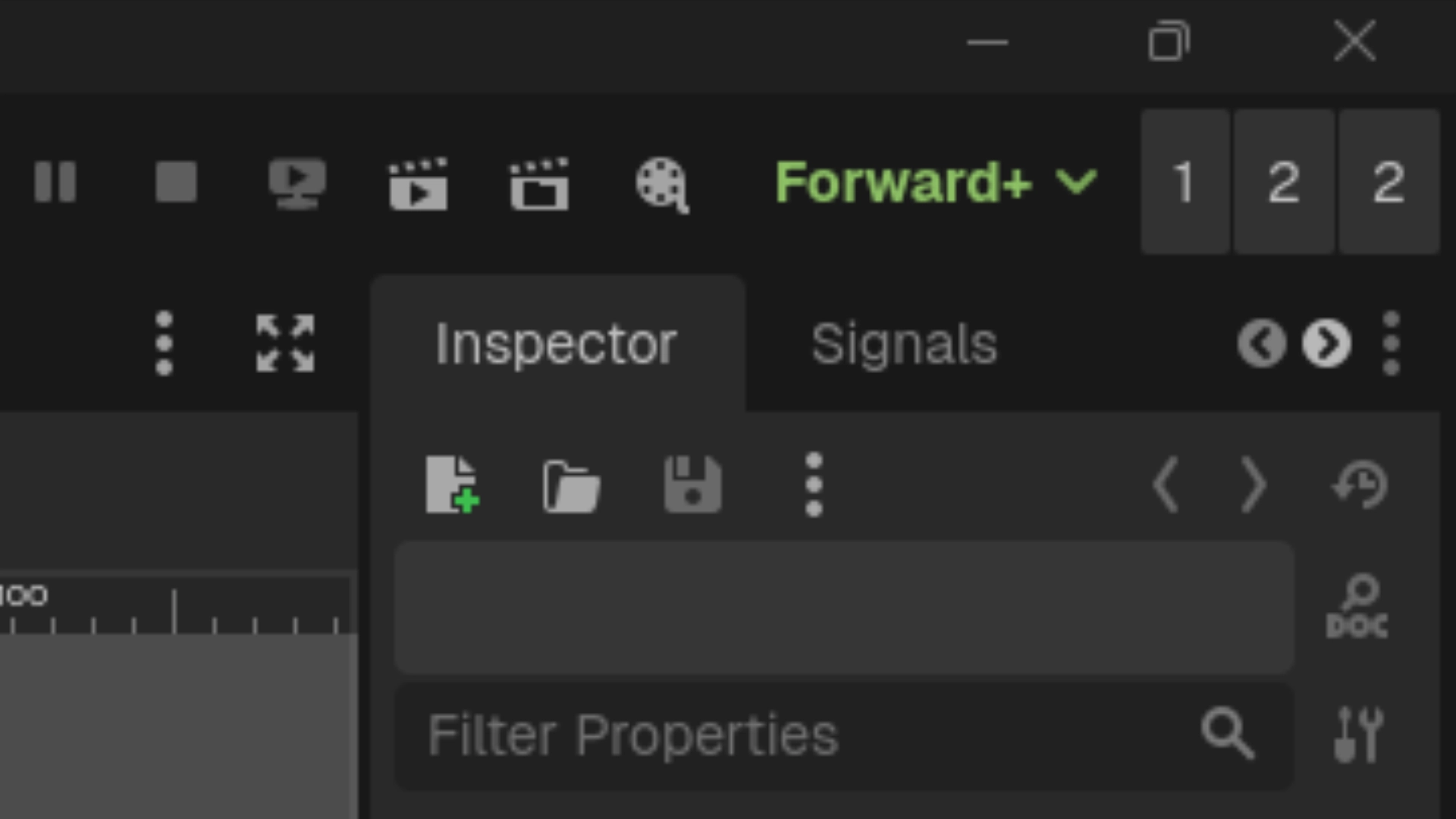
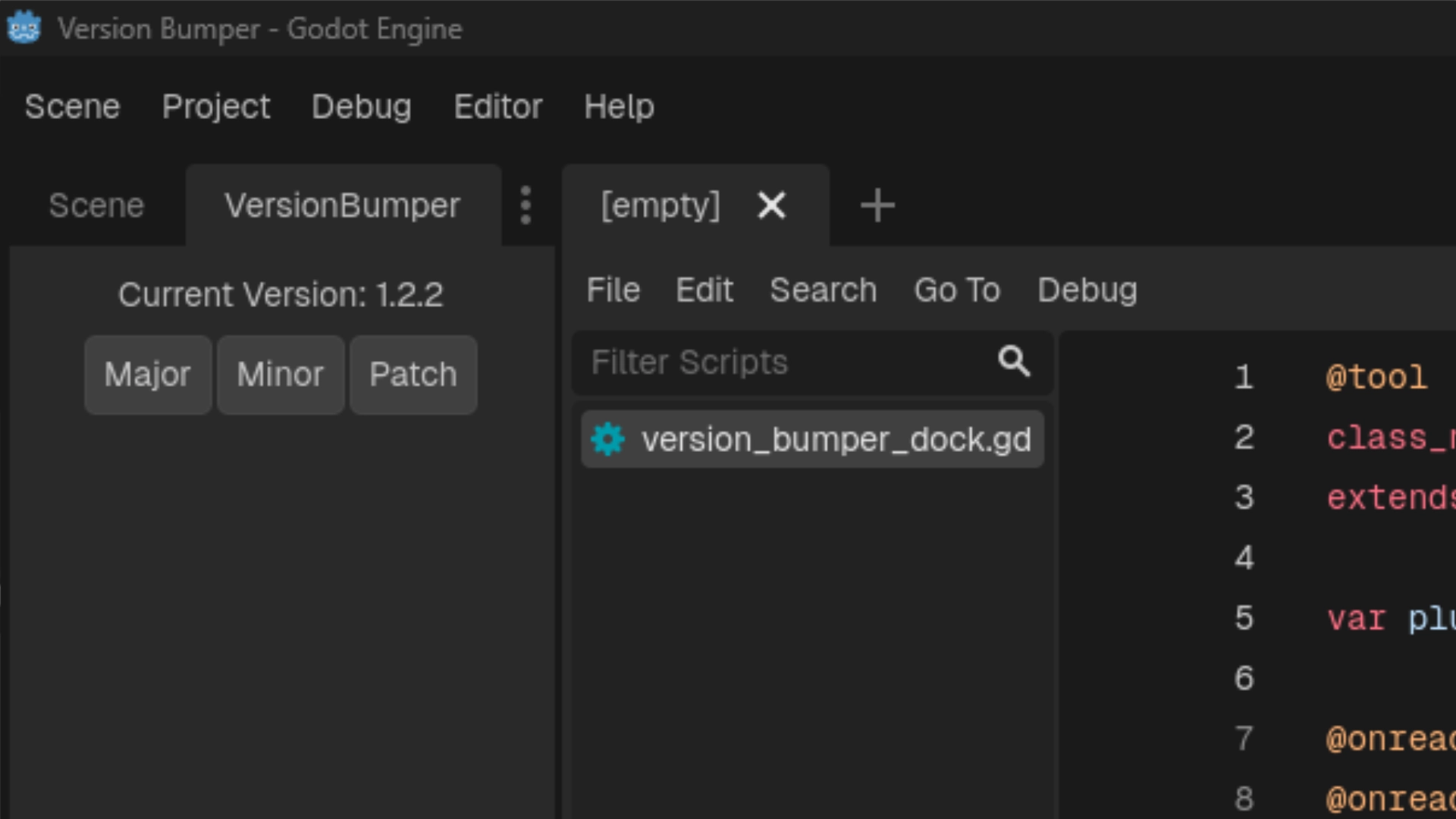
A lightweight, minimalist workflow addon for Godot 4 that takes the friction out of keeping your project's version numbers up to date. It allows you to increment your project's Semantic Versioning (SemVer) with a single click directly from the editor UI. Whenever you bump a version, the addon automatically updates the `application/config/version` property in your `project.godot` file, ensuring your exported builds always have the correct version string. ## Features * **One-Click SemVer:** Instantly increment Major, Minor, or Patch (Bug) version numbers. * **Automatic Project Syncing:** Reads and writes directly to Godot's built-in `application/config/version` project setting. * **Multiple Display Modes:** Choose the UI layout that fits your workflow best: * **Dock Mode:** A standard editor dock panel displaying the current version and three clearly labeled buttons. * **Embed Top:** A hyper-minimalist, zero-padding UI injected directly into Godot's top toolbar. It uses minimal screen real estate while keeping your version numbers visible at all times. * **Zero Clutter:** Designed with Godot's native UI themes in mind to feel seamlessly integrated. ## Installation 1. Download the addon and extract the `version_bumper` folder into your project's `res://addons/` directory. 2. Open your project in the Godot Editor. 3. Go to **Project > Project Settings > Plugins**. 4. Find **Version Bumper** in the list and check the **Enable** box. ## Usage Once enabled, the Version Bumper will appear in the top-right dock by default. To change how the addon is displayed: 1. Look at the very top menu bar of the Godot Editor. 2. Navigate to **Project > Tools > VersionBumper**. 3. Select your preferred display mode: * **Dock:** Places the tracker in the standard dock layout. * **Embed Top:** Places ultra-compact buttons directly into the top editor toolbar. Simply click the **Major**, **Minor**, or **Patch** buttons to instantly increment your project's version! |
A lightweight, minimalist workflow addon for Godot 4 that takes the friction out of keeping your project's version numbers up to date. It allows you to increment your project's Semantic Versioning (SemVer) with a single click directly from the editor UI. Whenever you bump a version, the addon automatically updates the `application/config/version` property in your `project.godot` file, ensuring your exported builds always have the correct version string. ## Features * **One-Click SemVer:** Instantly increment Major, Minor, or Patch (Bug) version numbers. * **Automatic Project Syncing:** Reads and writes directly to Godot's built-in `application/config/version` project setting. * **Multiple Display Modes:** Choose the UI layout that fits your workflow best: * **Dock Mode:** A standard editor dock panel displaying the current version and three clearly labeled buttons. * **Embed Top:** A hyper-minimalist, zero-padding UI injected directly into Godot's top toolbar. It uses minimal screen real estate while keeping your version numbers visible at all times. * **Zero Clutter:** Designed with Godot's native UI themes in mind to feel seamlessly integrated. ## Installation 1. Download the addon and extract the `version_bumper` folder into your project's `res://addons/` directory. 2. Open your project in the Godot Editor. 3. Go to **Project > Project Settings > Plugins**. 4. Find **Version Bumper** in the list and check the **Enable** box. ## Usage Once enabled, the Version Bumper will appear in the top-right dock by default. To change how the addon is displayed: 1. Look at the very top menu bar of the Godot Editor. 2. Navigate to **Project > Tools > VersionBumper**. 3. Select your preferred display mode: * **Dock:** Places the tracker in the standard dock layout. * **Embed Top:** Places ultra-compact buttons directly into the top editor toolbar. Simply click the **Major**, **Minor**, or **Patch** buttons to instantly increment your project's version! |
| Category | Tools | Tools |
| License | MIT | MIT |
| Repository Provider | GitHub | GitHub |
| Repository Url | https://github.com/sn1ks0h/version-bumper | https://github.com/sn1ks0h/version-bumper |
| Issues Url | https://github.com/sn1ks0h/version-bumper/issues | https://github.com/sn1ks0h/version-bumper/issues |
| Godot version | Godot 4.2 | Godot 4.2 |
| Version String | 1.3.0 | 1.2.3 |
| Download Commit | 0c1f08b33202ddfa3c89492fdcbbc071b9ccd1e1 | d52746ddb43ffd8def3552377f71319f5b9481a1 |
| Download Url (Computed) | https://github.com/sn1ks0h/version-bumper/archive/0c1f08b33202ddfa3c89492fdcbbc071b9ccd1e1.zip | https://github.com/sn1ks0h/version-bumper/archive/d52746ddb43ffd8def3552377f71319f5b9481a1.zip |
| Icon Url |
https://raw.githubusercontent.com/sn1ks0h/version-bumper/refs/heads/main/media/icon.png
|
https://raw.githubusercontent.com/sn1ks0h/version-bumper/refs/heads/main/media/icon.png
|
| Preview Insert | ||
|---|---|---|
| Type | image | |
| Image/Video URL |
https://raw.githubusercontent.com/sn1ks0h/version-bumper/refs/heads/main/media/thumbnail.webp
|
|
| Thumbnail |
|
|
| Preview Insert | ||
|---|---|---|
| Type | image | |
| Image/Video URL |
https://raw.githubusercontent.com/sn1ks0h/version-bumper/refs/heads/main/media/screenshot_1.webp
|
|
| Thumbnail |
|
|
| Preview Insert | ||
|---|---|---|
| Type | image | |
| Image/Video URL |
https://raw.githubusercontent.com/sn1ks0h/version-bumper/refs/heads/main/media/screenshot_2.webp
|
|
| Thumbnail |
|
|