Edit of asset "Intelli-verse-X-Unity-SDK" Accepted
| Old/Current | New/Edit | |
|---|---|---|
| Title | Intelli-verse-X-Unity-SDK | Intelli-verse-X-Unity-SDK |
| Description |
IntelliVerseX SDK provides a complete game backend for Godot 4.2 and newer. It adds authentication (device, email, Google, Apple, custom), session restore, profile management, wallet and economy, leaderboards, cloud storage, RPC calls, and real-time socket support using the Nakama server. Requirements: Godot 4.2 or newer (tested up to 4.6). You must install the official Nakama Godot addon for backend features. Get it from https://github.com/heroiclabs/nakama-godot and copy the addons/com.heroiclabs.nakama folder into your project addons folder. The download is a Godot project ZIP. It contains addons/intelliversex (this SDK) and an example scene. To use in your own project: copy the addons/intelliversex folder from the downloaded project into your project addons folder. To run the example: open the downloaded project in Godot and press F5. Enable the IntelliVerseX plugin in Project, Project Settings, Plugins. Then create an IVXConfig with your Nakama host, port, and server key and call IntelliVerseX.initialize(config). See the included example script for the full flow. |
IntelliVerseX SDK provides a complete game backend for Godot 4.2 and newer. It adds authentication (device, email, Google, Apple, custom), session restore, profile management, wallet and economy, leaderboards, cloud storage, RPC calls, and real-time socket support using the Nakama server. Requirements: Godot 4.2 or newer (tested up to 4.6). You must install the official Nakama Godot addon for backend features. Get it from https://github.com/heroiclabs/nakama-godot and copy the addons/com.heroiclabs.nakama folder into your project addons folder. The download is a Godot project ZIP. It contains addons/intelliversex (this SDK) and an example scene. To use in your own project: copy the addons/intelliversex folder from the downloaded project into your project addons folder. To run the example: open the downloaded project in Godot and press F5. Enable the IntelliVerseX plugin in Project, Project Settings, Plugins. Then create an IVXConfig with your Nakama host, port, and server key and call IntelliVerseX.initialize(config). See the included example script for the full flow. |
| Category | Tools | Tools |
| License | MIT | MIT |
| Repository Provider | Custom | Custom |
| Repository Url | https://github.com/Intelli-verse-X/Intelli-verse-X-Unity-SDK | https://github.com/Intelli-verse-X/Intelli-verse-X-Unity-SDK |
| Issues Url | https://github.com/Intelli-verse-X/Intelli-verse-X-Unity-SDK/issues | https://github.com/Intelli-verse-X/Intelli-verse-X-Unity-SDK/issues |
| Godot version | Godot 4.2 | Godot 4.2 |
| Version String | 5.1.0 | 5.1.0 |
| Download Commit | https://github.com/intelli-verse-x/Intelli-verse-X-SDK/releases/download/godot_v5.1.0/IntelliVerseX-Godot-5.1.0.zip | https://github.com/intelli-verse-x/Intelli-verse-X-SDK/releases/download/godot_v5.1.0/IntelliVerseX-Godot-5.1.0.zip |
| Download Url (Computed) | https://github.com/intelli-verse-x/Intelli-verse-X-SDK/releases/download/godot_v5.1.0/IntelliVerseX-Godot-5.1.0.zip | https://github.com/intelli-verse-x/Intelli-verse-X-SDK/releases/download/godot_v5.1.0/IntelliVerseX-Godot-5.1.0.zip |
| Icon Url |
https://intelli-verse-x-media.s3.us-east-1.amazonaws.com/Gagot/intelliverse-xicon.png
|
https://intelli-verse-x-media.s3.us-east-1.amazonaws.com/Gagot/intelliverse-xicon.png
|
| Preview Insert | ||
|---|---|---|
| Type | image | |
| Image/Video URL |
https://intelli-verse-x-media.s3.us-east-1.amazonaws.com/Gagot/Ads_SS.jpg

|
|
| Thumbnail |
|
|
| Preview Insert | ||
|---|---|---|
| Type | image | |
| Image/Video URL |
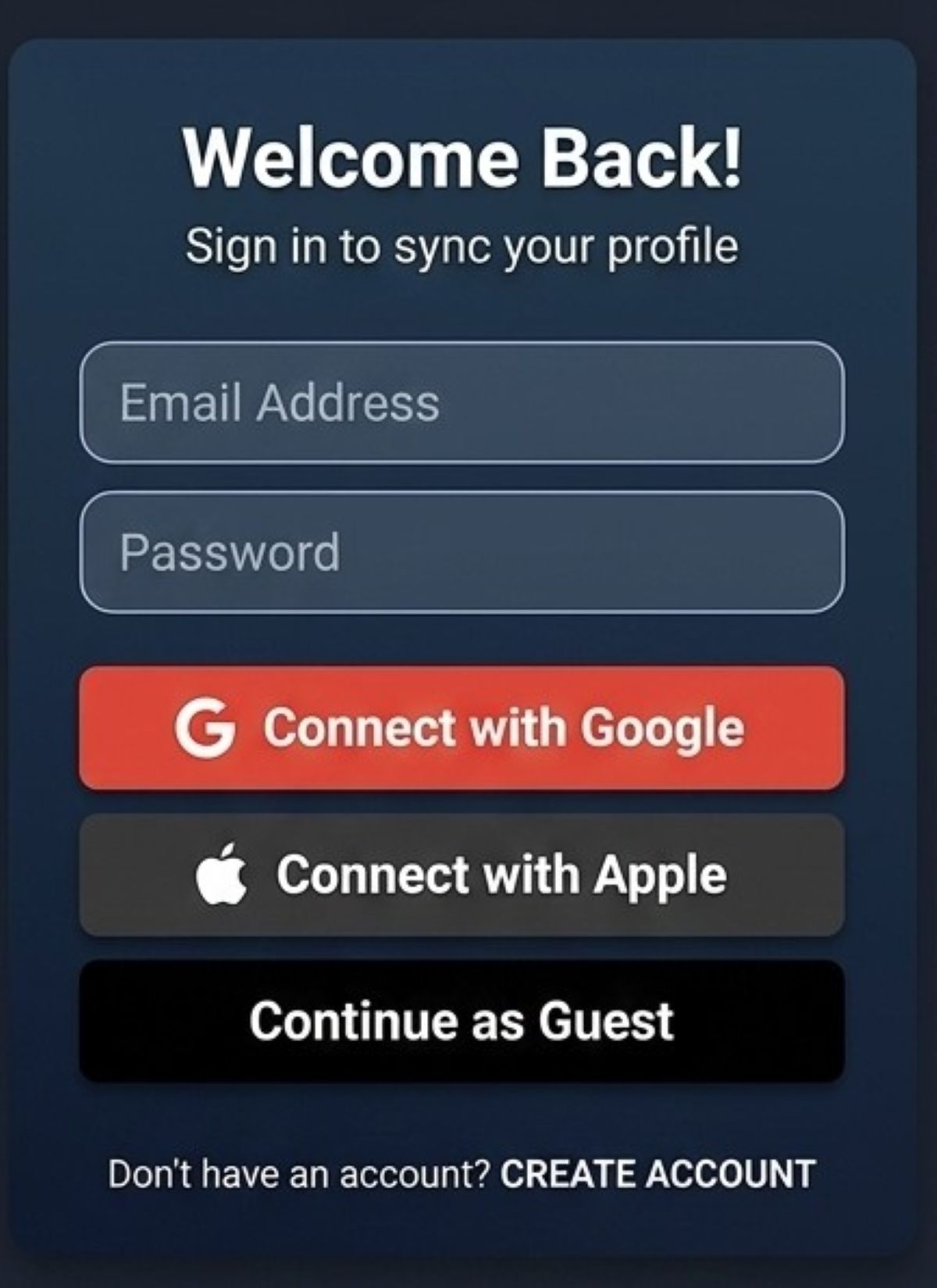
https://intelli-verse-x-media.s3.us-east-1.amazonaws.com/Gagot/Auth_1200.jpg
|
|
| Thumbnail |
|
|
| Preview Insert | ||
|---|---|---|
| Type | image | |
| Image/Video URL |
https://intelli-verse-x-media.s3.us-east-1.amazonaws.com/Gagot/leaderboard.jpg

|
|
| Thumbnail |
|
|