Edit of asset "Interactive Grid GDExtension" Accepted
| Old/Current | New/Edit | |
|---|---|---|
| Title | Interactive Grid GDExtension | |
| Description |
InteractiveGrid is a Godot GDExtension that allows player interaction with a 2D/3D grid, including cell selection, pathfinding, and hover highlights. Note: To use this plugin, simply download it and add the 'addons' folder to your Godot project's root directory. You don't have to enable it in the plugins menu. Features: - Add a new InteractiveGrid2D Node to your Godot project. - Add a new InteractiveGrid3D Node to your Godot project. - Select individual cells. - Detect obstacles. - Align cells with the floor. - Calculate paths from a global position to selected cells using AStar2D. - Choose movement type: 4 directions, 6 directions, 8 directions. - Customize the grid from the editor: grid size, cell size, mesh, colors, and shaders. - High performance using MultiMeshInstance3D for efficient rendering of multiple cells. Compatibility: - Fully compatible with Godot 4.6 (4.4 minimum). - Cross-platform support (Linux, Windows, macOS, Android, iOS, Web/HTML5). Online Documentation and Tutorial: https://antoinecharruel.github.io/godot-gdextension-docs/interactive-grid/interactive-grid-3d.html Play on Itch.io : https://vivensoft.itch.io/interactive-grid-gdextension Download Demo: https://vivensoft.itch.io/interactive-grid-gdextension If you encounter any issues, have questions, want to share your project using Interactive Grid, or give feedback, feel free to reach out on Discord: https://discord.com/invite/hZb9PGrrt9 |
InteractiveGrid is a Godot GDExtension that allows player interaction with a 2D/3D grid, including cell selection, pathfinding, and hover highlights. Note: To use this plugin, simply download it and add the 'addons' folder to your Godot project's root directory. You don't have to enable it in the plugins menu. Features: - Add a new InteractiveGrid2D Node to your Godot project. - Add a new InteractiveGrid3D Node to your Godot project. - Select individual cells. - Detect obstacles. - Align cells with the floor. - Calculate paths from a global position to selected cells using AStar2D. - Choose movement type: 4 directions, 6 directions, 8 directions. - Customize the grid from the editor: grid size, cell size, mesh, colors, and shaders. - High performance using MultiMeshInstance3D for efficient rendering of multiple cells. Compatibility: - Fully compatible with Godot 4.6 (4.4 minimum). - Cross-platform support (Linux, Windows, macOS, Android, iOS, Web/HTML5). Online Documentation and Tutorial: https://antoinecharruel.github.io/godot-gdextension-docs/interactive-grid/interactive-grid-3d.html Play on Itch.io : https://vivensoft.itch.io/interactive-grid-gdextension Download Demo: https://vivensoft.itch.io/interactive-grid-gdextension If you encounter any issues, have questions, want to share your project using Interactive Grid, or give feedback, feel free to reach out on Discord: https://discord.com/invite/hZb9PGrrt9 |
| Category | 3D Tools | |
| License | MIT | |
| Repository Provider | Custom | |
| Repository Url | https://github.com/antoinecharruel/interactive_grid_gdextension | |
| Issues Url | https://github.com/antoinecharruel/interactive_grid_gdextension/issues | |
| Godot version | Godot 4.4 | |
| Version String | v2.0.0 | v2.0.0 |
| Download Commit | https://github.com/antoinecharruel/interactive_grid_gdextension/releases/download/v2.0.0/interactive-grid.zip | https://github.com/antoinecharruel/interactive_grid_gdextension/releases/download/v2.0.0/interactive-grid.zip |
| Download Url (Computed) | https://github.com/antoinecharruel/interactive_grid_gdextension/releases/download/v2.0.0/interactive-grid.zip | https://github.com/antoinecharruel/interactive_grid_gdextension/releases/download/v2.0.0/interactive-grid.zip |
| Icon Url |
https://raw.githubusercontent.com/antoinecharruel/interactive_grid_gdextension/master/docs/thumbnail/thumbnail_1000x1000px.png

|
|
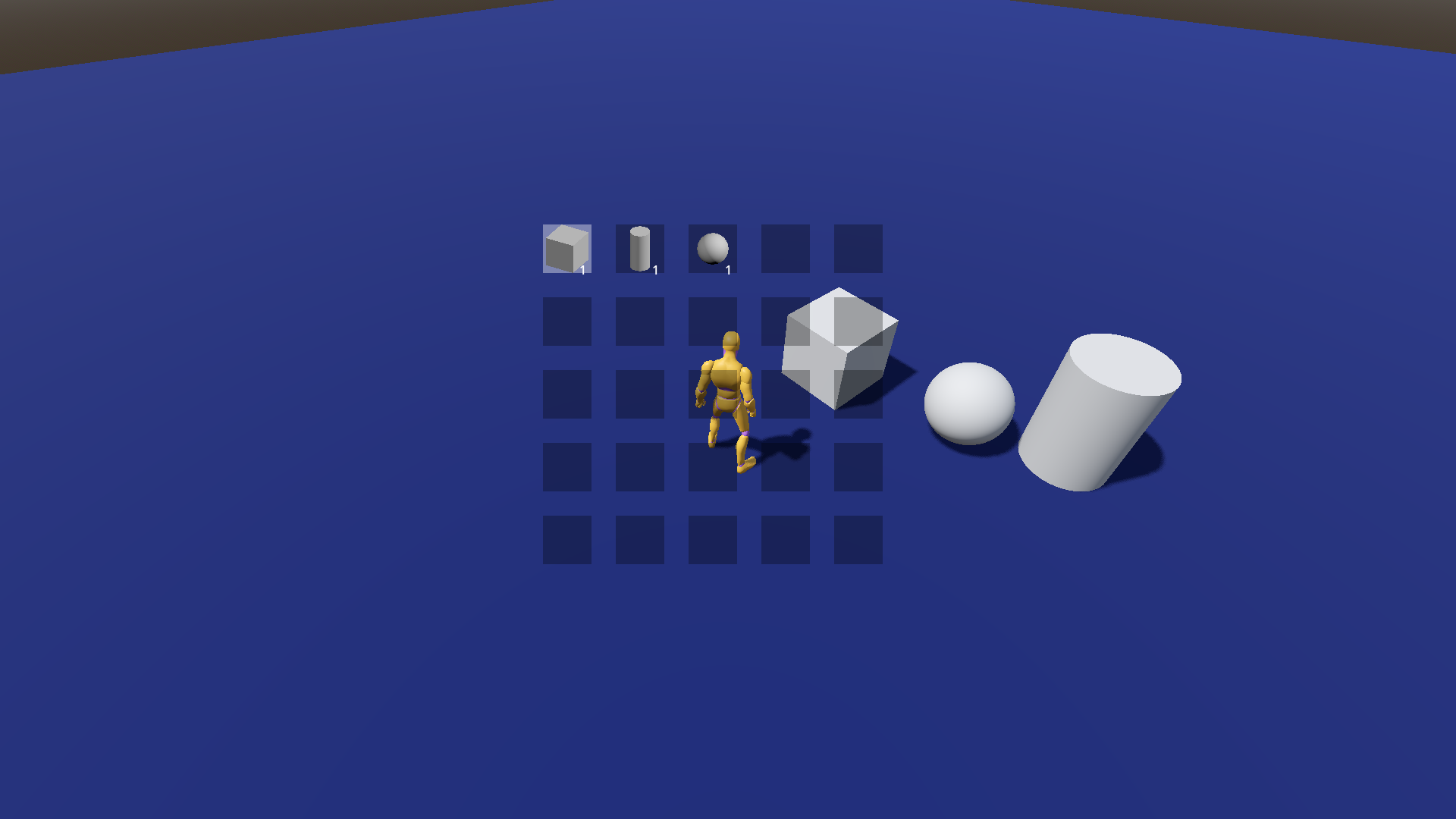
| Preview Insert | ||
|---|---|---|
| Type | video | |
| Image/Video URL |
https://www.youtube.com/watch?v=9gTUivtKBHg
|
|
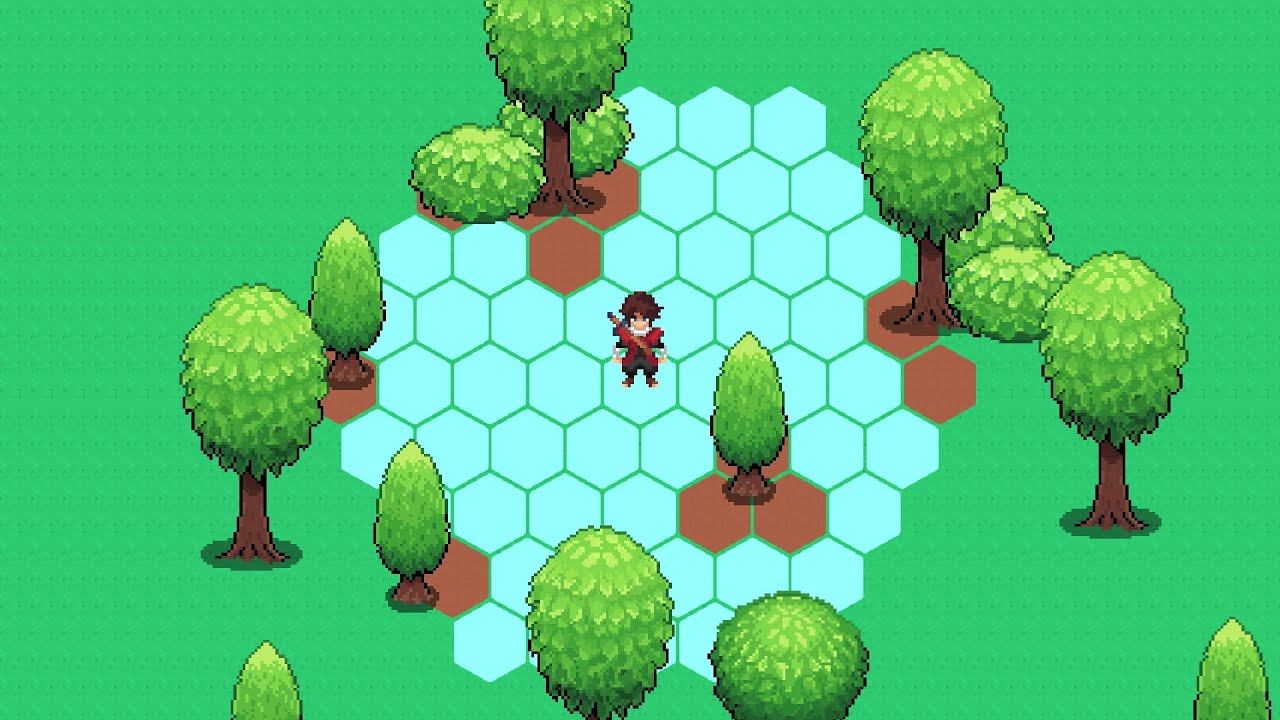
| Thumbnail |
https://img.youtube.com/vi/9gTUivtKBHg/maxresdefault.jpg
|
|