Debug Watermark 1.0.0 Tools 4.2 Community
Submitted by user hena9704; MIT; 2026-11-26
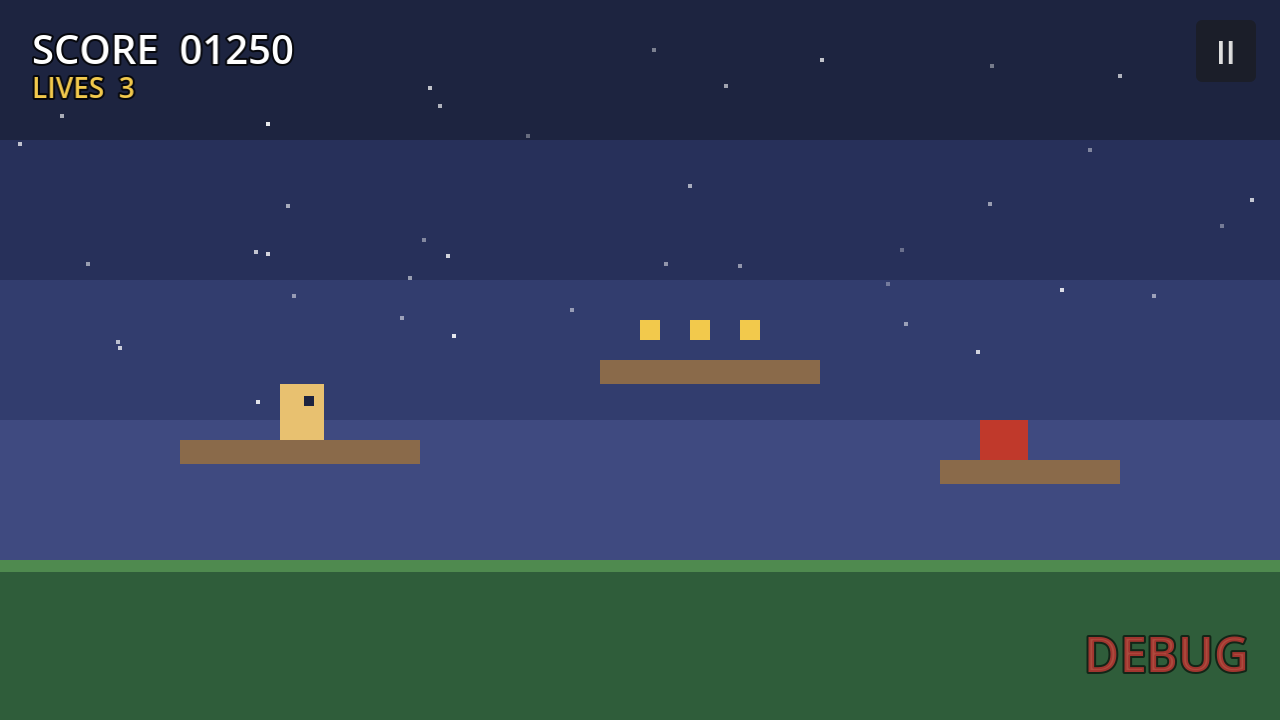
Debug Watermark shows a small "DEBUG" label in a corner of the game window when the game runs from a debug build, so you can tell debug builds from release builds at a glance, for example in screenshots, videos or bug reports from testers. Release exports show nothing.
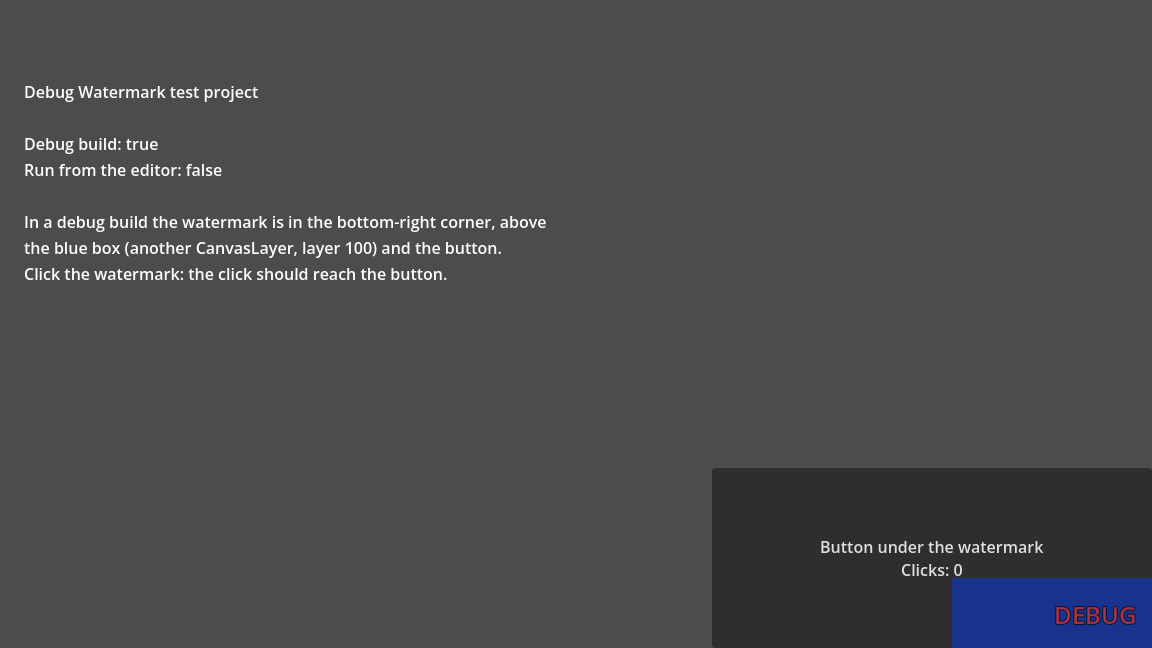
Enable the plugin and it adds a DebugWatermark autoload. The text (with {project_name}, {project_version} and {godot_version} placeholders), corner, margin, canvas layer, font size, color, opacity, outline and an optional fade-out time are project settings. You can also hide it when you run the game from the editor, so it only appears in exported debug builds. The watermark ignores the mouse, so clicks go through to your game, and by default it is drawn above other CanvasLayers and embedded dialogs.
This add-on implements godot-proposals#1073. It was tested in Godot 4.2.2, 4.6.3 and 4.7.2, including debug and release exports in 4.7.2. Documentation, known limitations and a Korean version are in the repository.
View files Download Submit an issue Recent Edits