Survival Servers Studio 0.2.0 Tools 4.7 Community
Submitted by user survivalservers; Apache-2.0; 2026-11-24
Run your Godot 4 game as a dedicated server on Survival Servers Studio, and give your game's own menu a server list.
The add-on is plain GDScript over Godot's own HTTPRequest. There's no native code and nothing to build. Turn it on under Project > Project Settings > Plugins, and it adds two autoloads: GameServer and GameServerList.
GameServer is for your dedicated server.
- It reads the server's ports and its match: the match ID, labels, settings and arguments.
- It says when the server is ready for players.
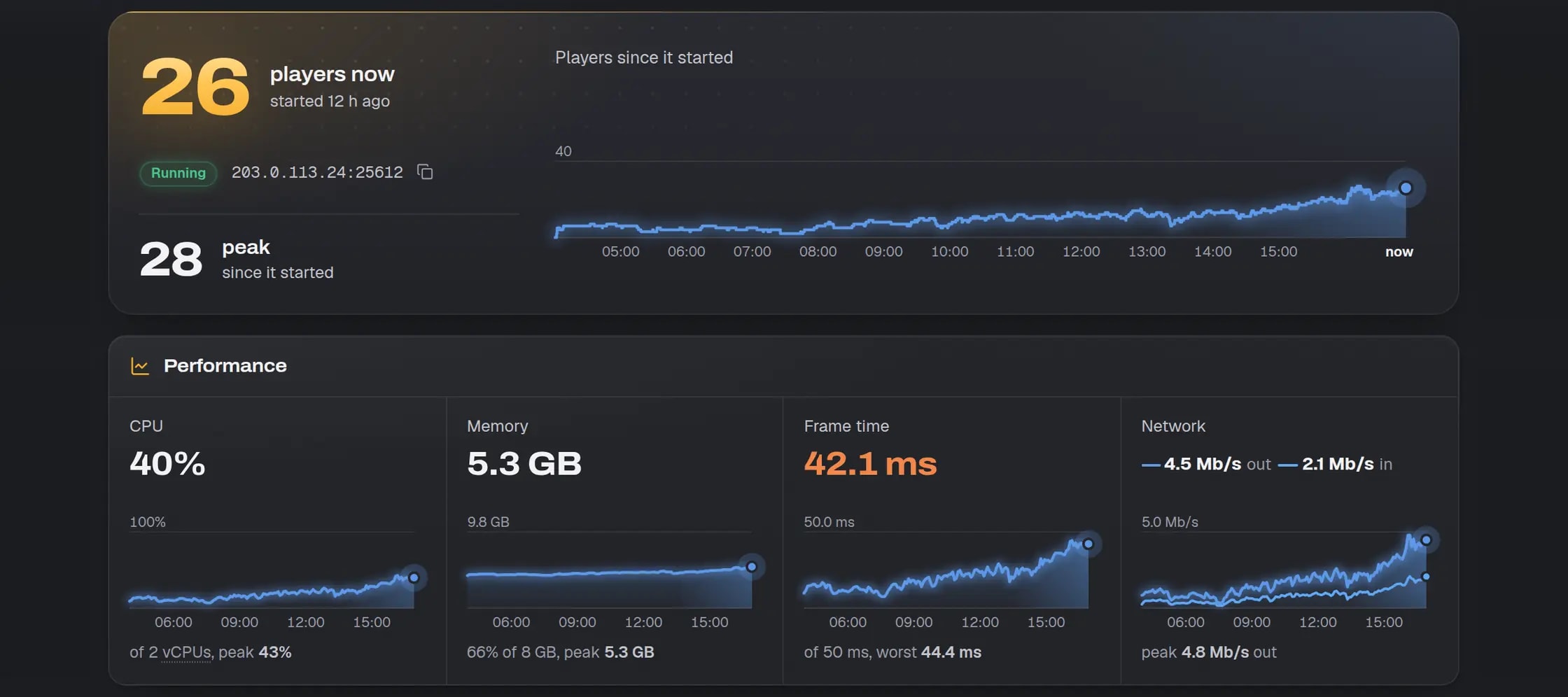
- It reports players, labels and the last second's update times.
- It hears the shutdown notice, so your server can save and quit in time.
- It ends the match when the match is over.
Run anywhere else, such as the editor or your own PC, every call does nothing. The same export also runs as a plain local server.
GameServerList is for your game client.
- It lists your game's servers for the menu you draw yourself. Official rows are your studio's servers. Community rows are servers your players rented from Survival Servers.
- It hands you the Rent your own server button as a picture, and our name and mark.
- It opens our order page in the player's own browser when the player presses the button, and never on its own.
- It never stops your game, never shows a window and never writes a file.
- Its limits are fixed: the same question once every 10 seconds, 10 calls a minute, 10 seconds per call and an answer of at most 1 MiB.
For your privacy notice: the list call goes from the player's PC to Survival Servers, so we see the player's IP address, as with any request over the internet. We use it only for the call limit, and we never keep it with the record of the call. The add-on puts no player name, ID or other player data into the call.
The repository also holds a demo: a tiny match server and a server list menu. The demo stays out of the download.
Tested headless with Godot 4.7.2 on Linux, including the add-on copied into a fresh project and turned on in the editor.
Docs: https://studio.survivalservers.com/docs/get-started/godot/
View files Download Submit an issue Recent Edits