AnvilFX 1.6 2D Tools 4.7 Community
Submitted by user thepixelgoblin; MIT; 2026-11-10
AnvilFX adds an editor tab for browsing, previewing and placing painted 2D effects in Godot 4.
Browse animated cards by pack or kind, search and keep favourites, preview effects over a floor colour, step through frames, then add an effect to your scene with undo support.
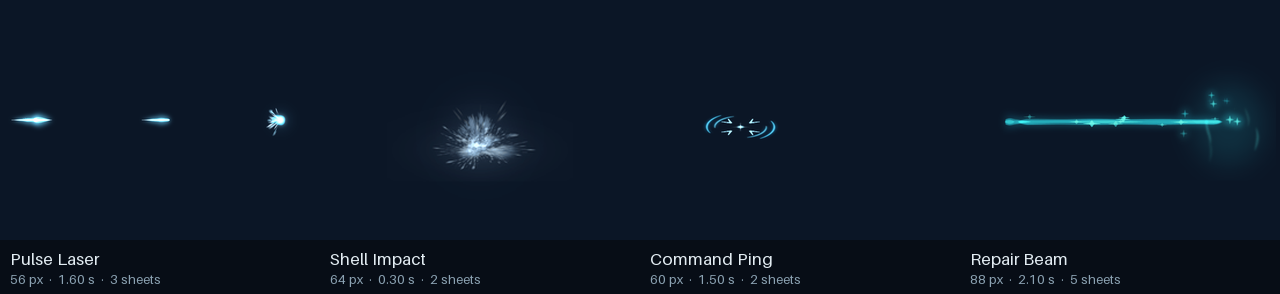
Includes a Pieces panel for remixing layers, sprite-sheet import, runtime spawning, hit-stop and camera shake, three starter scenes, and ZIP pack installation. Four starter effects are included: Pulse Laser, Shell Impact, Command Ping and Repair Beam.
Install from AssetLib, keep the addons and effects folders, and enable AnvilFX under Project > Project Settings > Plugins.
MIT licensed. Tested in Godot 4.7.2. More effects: thepixelgoblin.itch.io
View files Download Submit an issue Recent Edits