Drop-In Ragdoll 1.0.2 3D Tools 4.7 Community
Submitted by user debugalot; MIT; 2026-11-03
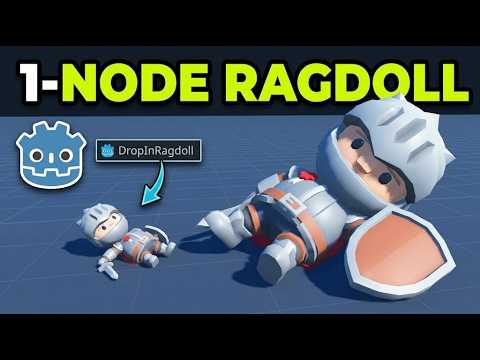
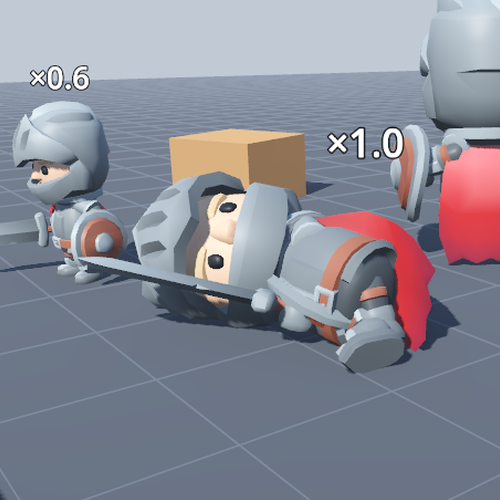
Drop-In Ragdoll gives any humanoid Skeleton3D a ragdoll. Add one DropInRagdoll node under the skeleton and call go_limp(), and the character falls. Call get_up() and it blends back into its animation.
- No setup per character. It finds the bones by name (Godot humanoid, Mixamo, Unreal/MPFB, Blender .L/.R, 3ds Max Biped and VRoid). A BoneMap or a few bone names cover anything else.
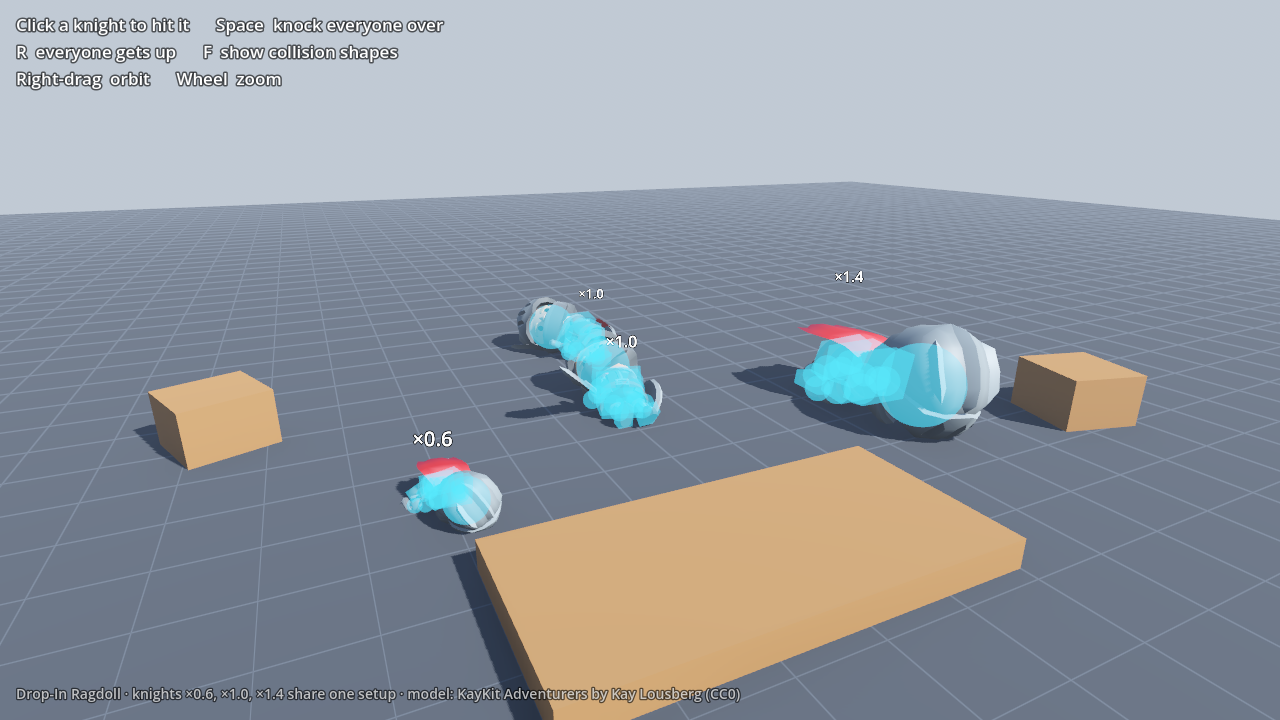
- Sized to the character's mesh. Each part's collision shape is fitted to the skinned vertices around its bone, so a cartoon knight with a huge head gets a huge head sphere.
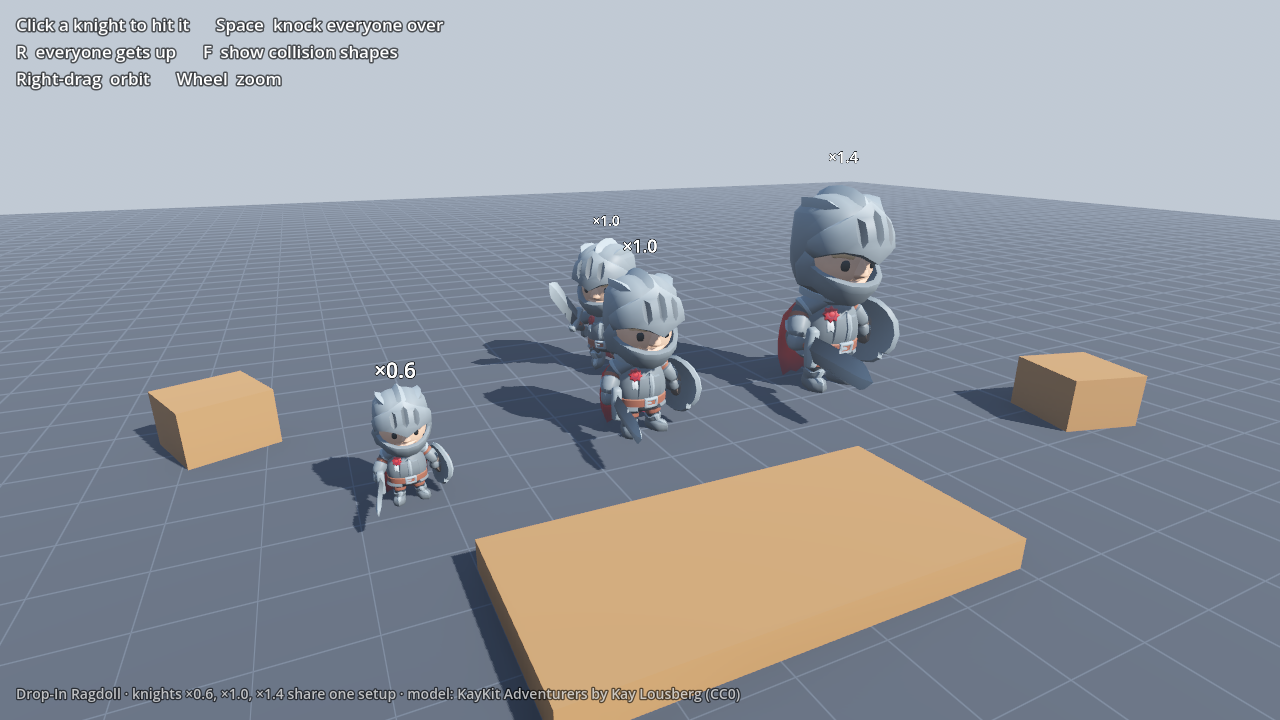
- Any scale. A character scaled ×0.5 or ×1.4, or one inside a scaled scene, falls the same way as one at ×1.0.
- Anatomical limits. Elbows and knees only bend one way, and every limit is measured from the rest pose.
- Settles cleanly. Joint damping stops dangling limbs swinging, and the bodies come to rest and go to sleep.
- Keeps momentum. On a CharacterBody3D or RigidBody3D, a running character tumbles forward.
Requirements: Godot 4.7 (tested on 4.7.2) and Jolt Physics (Project Settings > Physics > 3D > Physics Engine). The addon is pure GDScript and there is no plugin to enable: DropInRagdoll appears in the Add Child Node dialog.
This download contains only addons/dropin_ragdoll/. The demo (knights at three scales) and 91 automated tests are in the GitHub repository.
Documentation: https://github.com/debugalot/drop-in-ragdoll
How it handles scaled characters: https://excalibug.com/notes/ragdolls-on-scaled-characters/
More Godot addons: https://excalibug.com
View files Download Submit an issue Recent Edits