Pixel Mesh 3D Builder 1.0 3D Tools 4.1 Community
Submitted by user leonsivana; GPLv3; 2026-10-04
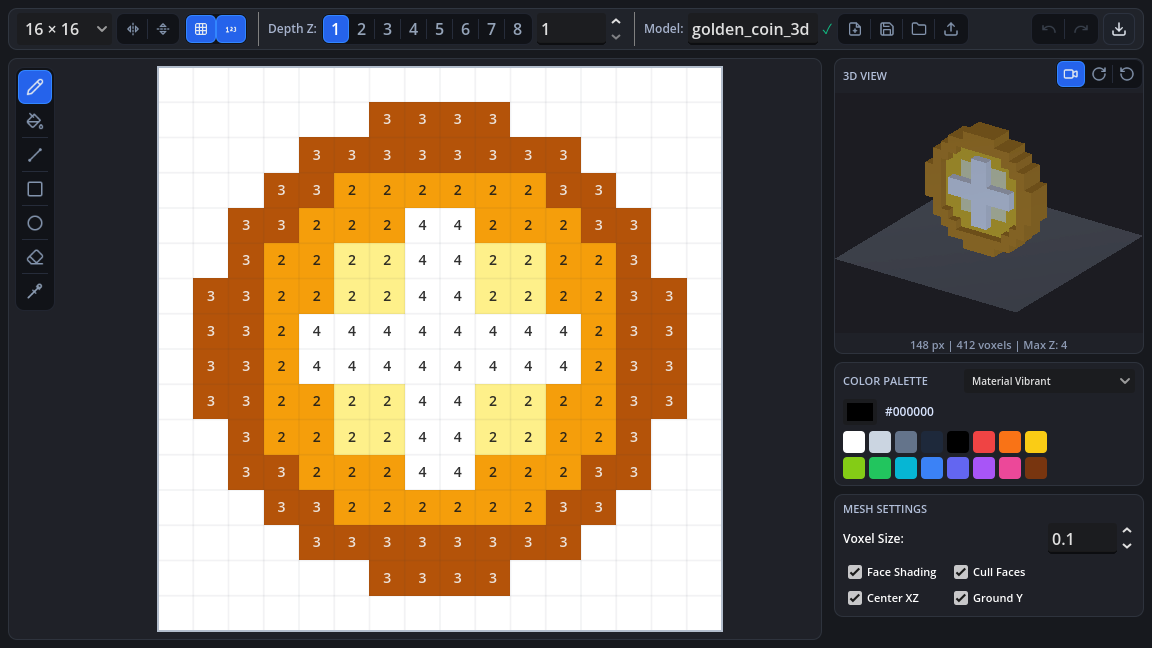
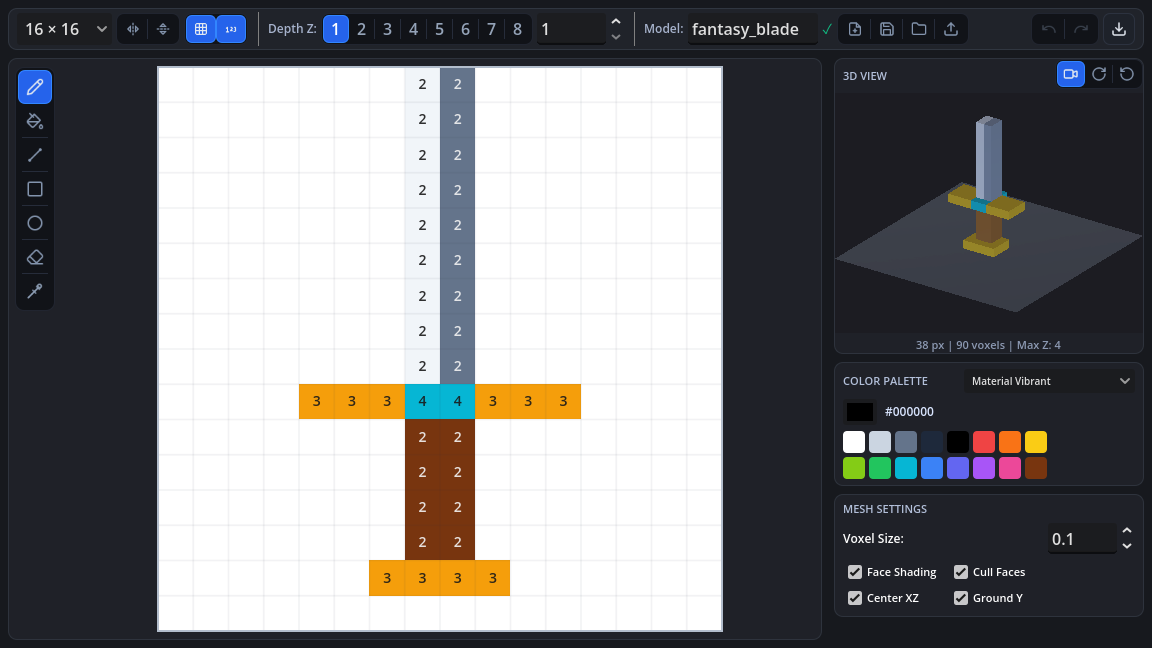
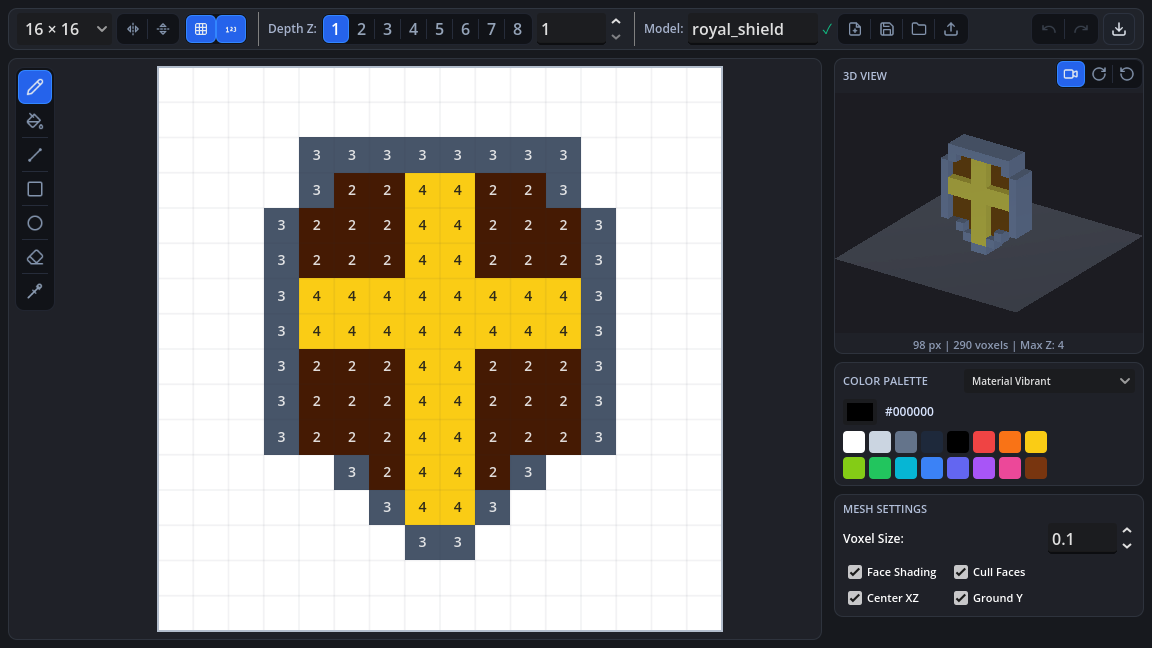
A Godot 4 editor plugin for creating low-poly 3D voxel models, characters, and assets directly within the engine using an interactive 2D canvas or by importing PNG sprites.
### Features
- **Interactive Canvas**: Paint pixels on customizable grids (8x8, 16x16, 24x24, 32x32).
- **Sprite Importer**: Load transparent PNG images and convert them into 3D meshes.
- **Color & Symmetry Tools**: Eyedropper, color palette presets, horizontal/vertical symmetry mirroring.
- **Real-time 3D Preview**: Orbit, pan, and zoom camera with grid ground, wireframe toggle, and rotation controls.
- **Extrusion Profiles**: Flat, Beveled, Rounded, and Stepped mesh profiles.
- **Direct Export**:
- Export as .tscn (ready-to-use scene).
- Export as .tres (ArrayMesh resource).
- Export as .obj (3D low-poly model).
- Save source project files as .json.
### Installation
1. Download and enable the plugin in Project Settings -> Plugins.
2. The Pixel 3D panel will appear in your editor's main screen tabs.
View files Download Submit an issue Recent Edits