Breakpoint MCP 1.17.0 Tools 4.2 Community
Submitted by user jlivingston-Cipher; MIT; 2026-10-02
Breakpoint MCP exposes the live Godot editor — and, through an in-game runtime autoload, your running game — to an MCP (Model Context Protocol) host, so an AI assistant can drive Godot directly instead of guessing at your project from the outside.
The addon runs a loopback-only TCP/JSON bridge on 127.0.0.1, authenticated with a per-project shared secret. Paired with its companion host (the "breakpoint-mcp" npm package, which your MCP client launches), it gives an assistant 293 tools — 280 with the higher-trust capability groups off by default — across four capability planes:
- Editor authoring: scene / node / resource CRUD, project settings, ClassDB introspection, editor screenshots, and main-screen tab control (read which of 2D / 3D / Script / Game / AssetLib is active, and switch). Every mutation is wrapped in EditorUndoRedoManager, so anything the assistant changes is fully undoable.
- In-game runtime bridge: inspect the live SceneTree, get/set properties, call methods, emit signals, inject input, and read Performance monitors while the game is running — plus deterministic playtesting (freeze time, step an exact number of frames, seed the RNG, and snapshot state for frame-by-frame comparison), live AnimationPlayer control, node spawn/despawn, an await-condition helper, and a read-only verification family (assert node / scene / on-screen-text / performance state, and screenshot diffs).
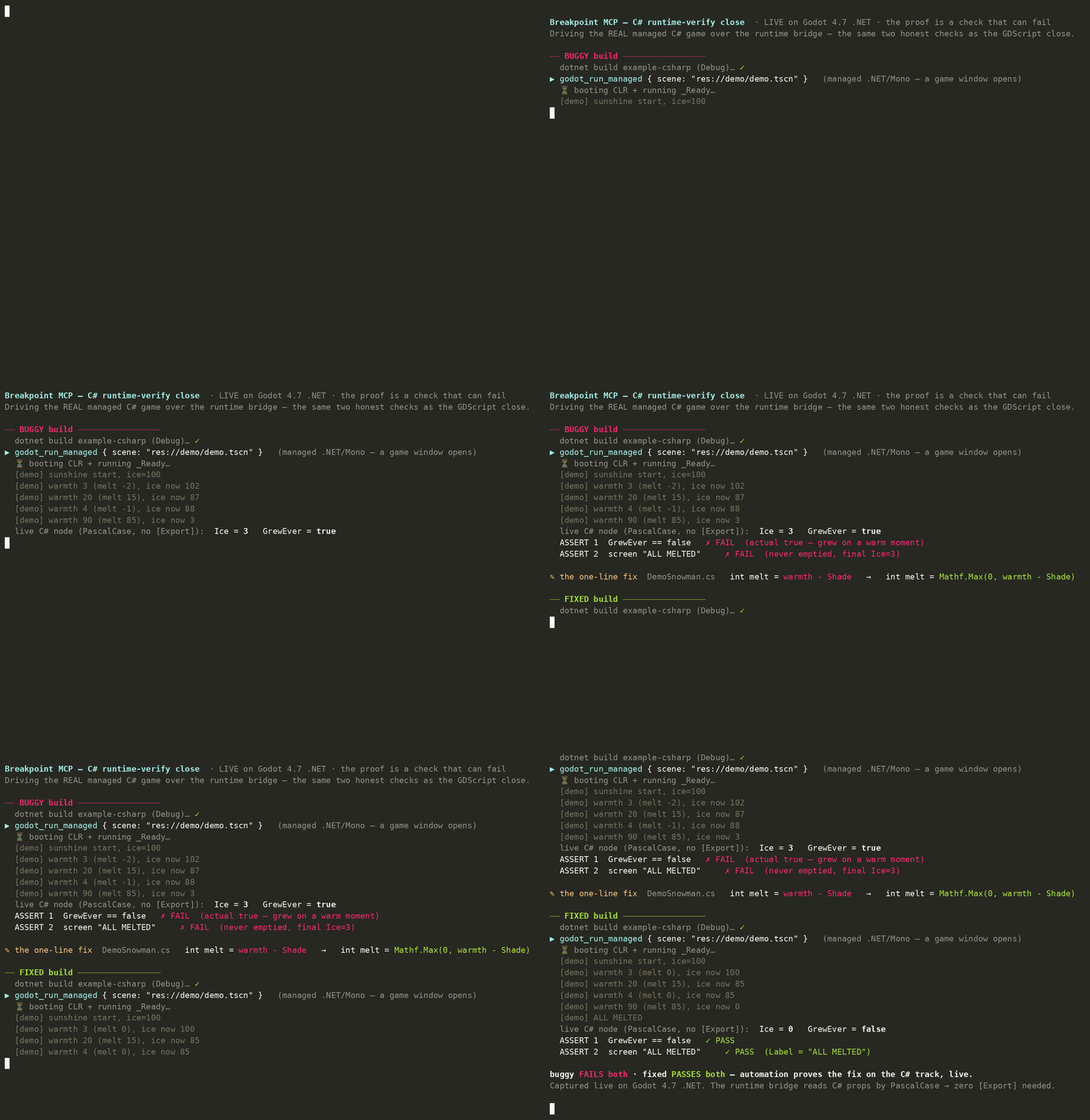
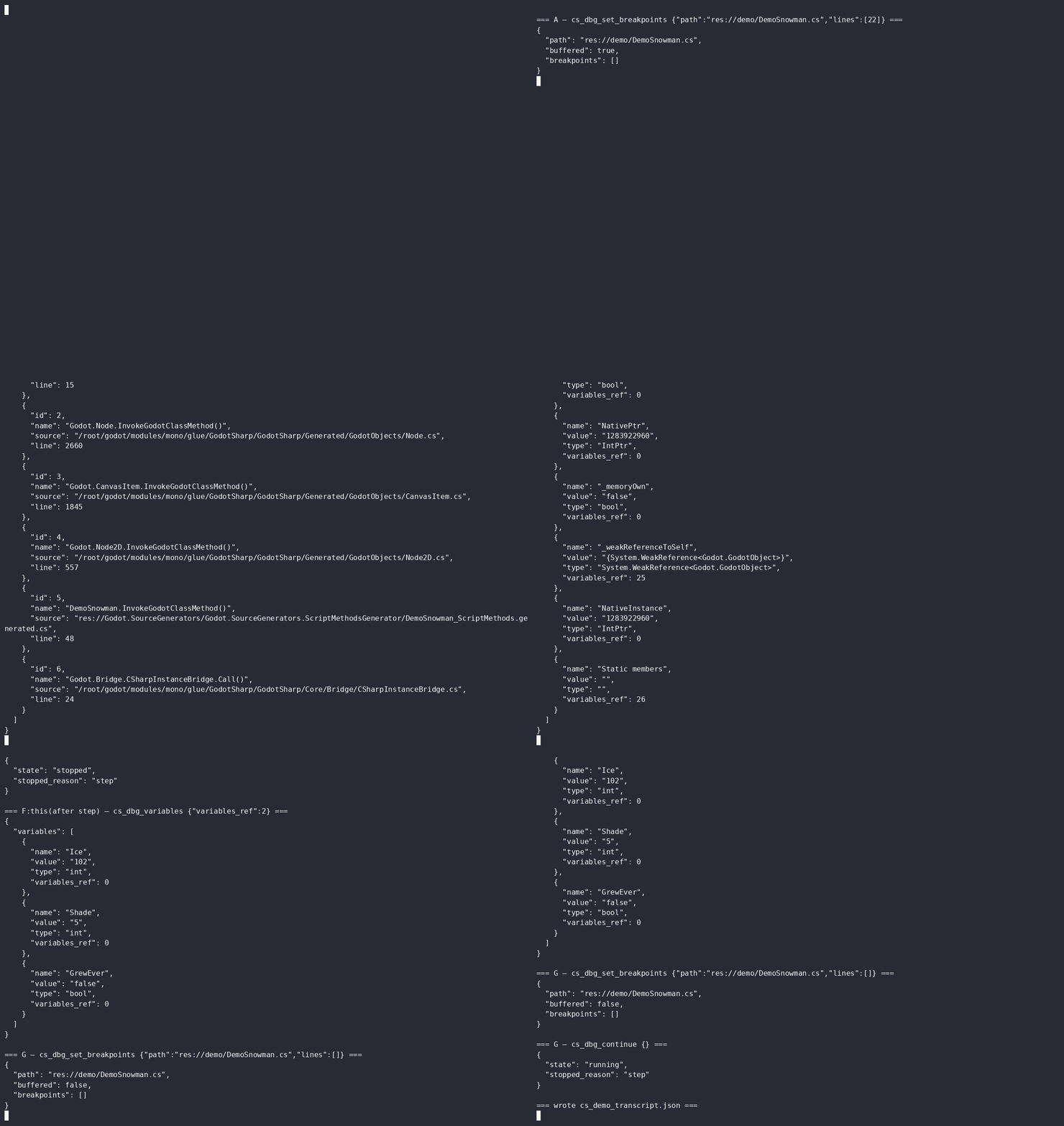
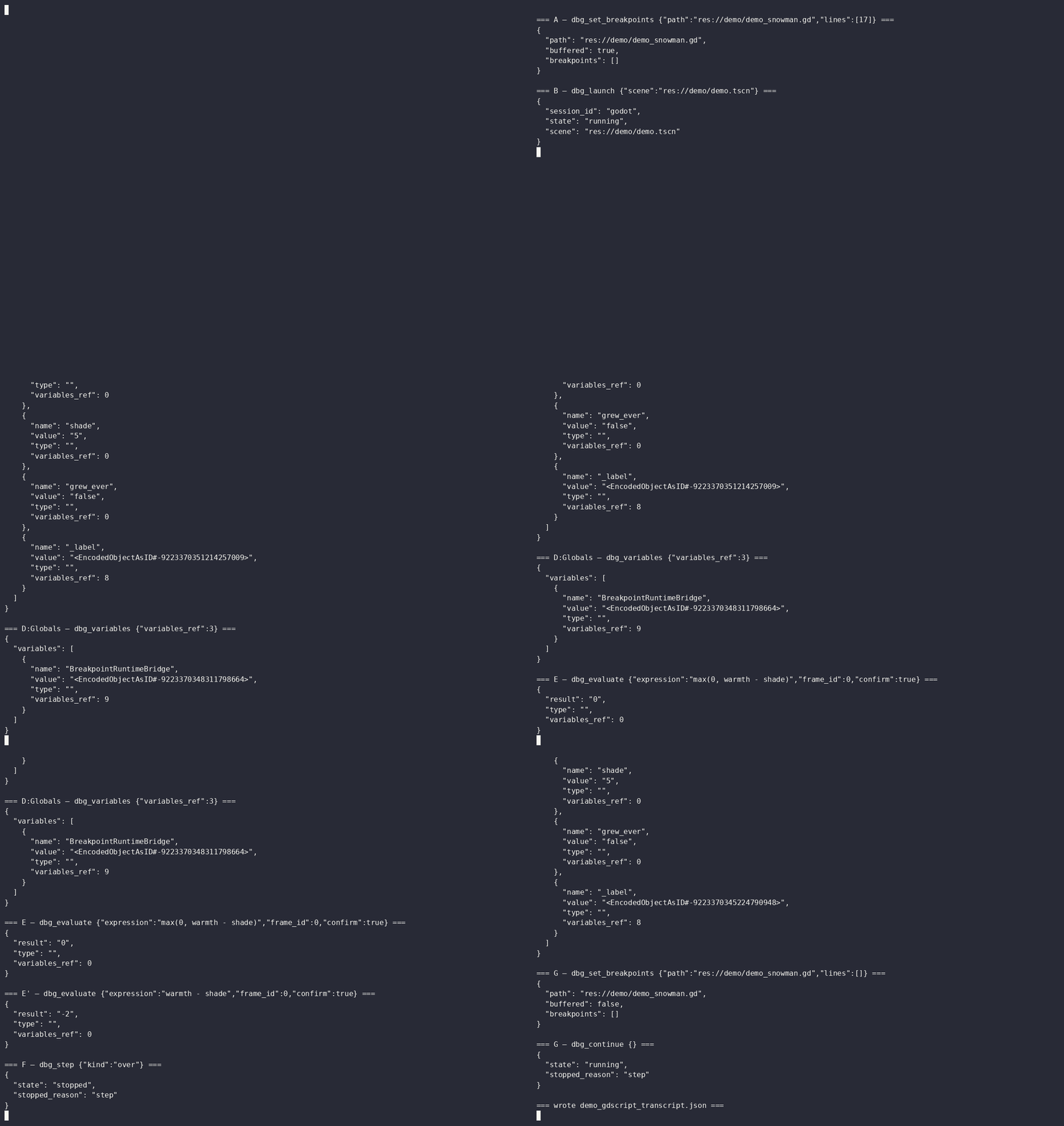
- Language + debug (GDScript and C#): symbols, definitions, completions, and diagnostics via Godot's own Language Server (and OmniSharp for C#), plus real breakpoint/step debugging over the Debug Adapter Protocol (and netcoredbg for C#).
- Headless CLI: run, export, import, and run headless tests; long jobs use the MCP task model.
Human-in-the-loop control: destructive tools are confirmation-gated, the higher-trust tools sit in default-off capability groups, and a one-click "Pause Agent" toggle in the editor dock lets you hold the assistant's actions on demand. Nothing on the tool surface reaches past loopback.
Requirements: Godot 4.2+ (4.4+ recommended — several editor tools use APIs added in 4.4; a few runtime-capture features use 4.5+). The host requires Node.js 18+. Works with any MCP-compatible client; developed and tested with Claude.
Install: copy addons/breakpoint_mcp/ into your project (or install via the Asset Library), then enable it under Project > Project Settings > Plugins > Breakpoint MCP. On enable it listens on 127.0.0.1:9080 and auto-registers the in-game runtime autoload, which opens its port only when the game is started from an editor build. Point your MCP client at the breakpoint-mcp host — see the repository README for client setup.
Security: the bridges bind to loopback only, require a per-project shared secret, and handlers run on the main thread. Exported games keep the runtime bridge closed: no port, no files written (since addon 1.17.0 — if you exported a game with an earlier version and the plugin enabled, update and re-export). Treat the ports as a local trust boundary; do not expose them beyond 127.0.0.1.
Open source under the MIT license. Full tool catalog, user guide, and configuration reference are in the repository.
View files Download Submit an issue Recent Edits