Lucide icons 1.1.0 Scripts 4.0 Community
Submitted by user rodrigoalvesr; MIT; 2026-04-23
Lucide Icons brings the full Lucide open-source icon library (1 500+ clean, consistent SVG icons) into Godot 4.
HOW IT WORKS
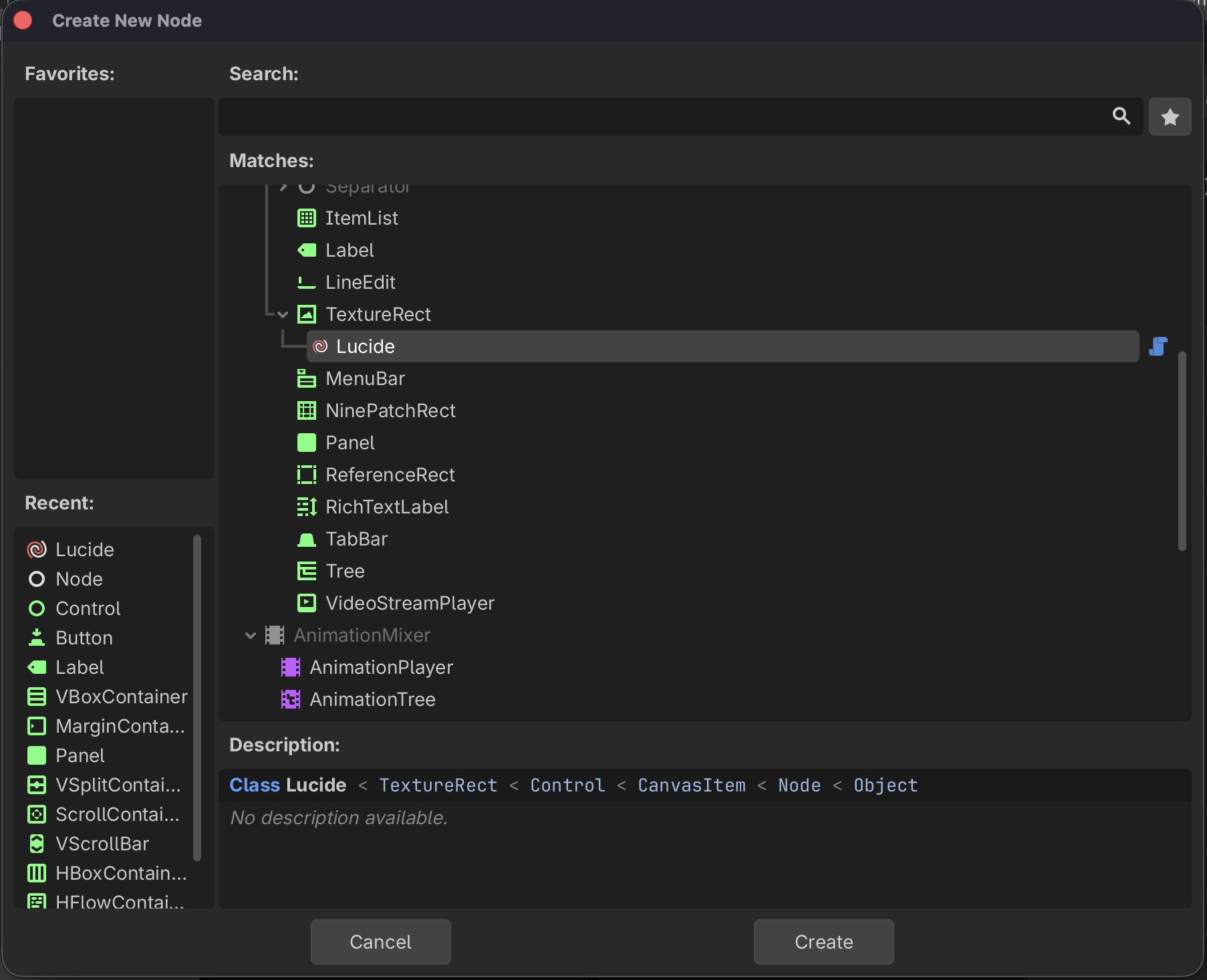
A custom Lucide node (extends TextureRect) lets you drop icons anywhere in your scene tree.
A LucideTexture resource lets you use any icon as a Texture2D on Buttons, Sprites, and any node with a texture slot.
On first use the plugin fetches the latest Lucide release from GitHub and extracts the SVGs automatically — no manual setup needed.
Icons are rasterized on-the-fly at exactly the size you need. A built-in texture cache ensures each unique combination of icon, size, color, and stroke is only rendered once per session.
FEATURES
1 500+ icons from the official Lucide library
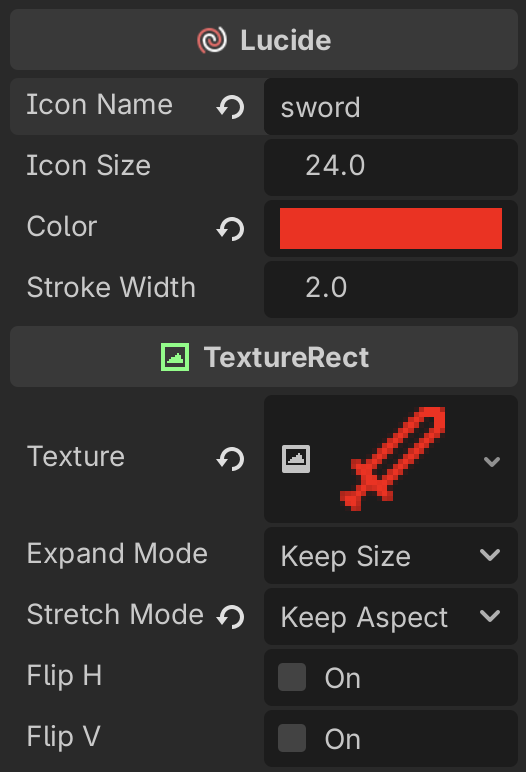
Inspector properties: icon name, size, color, stroke width
GDScript constructor: Lucide.new("house", 32, Color.WHITE, 2.0)
LucideTexture resource: assign Lucide icons to any Texture2D slot in the Inspector or in code
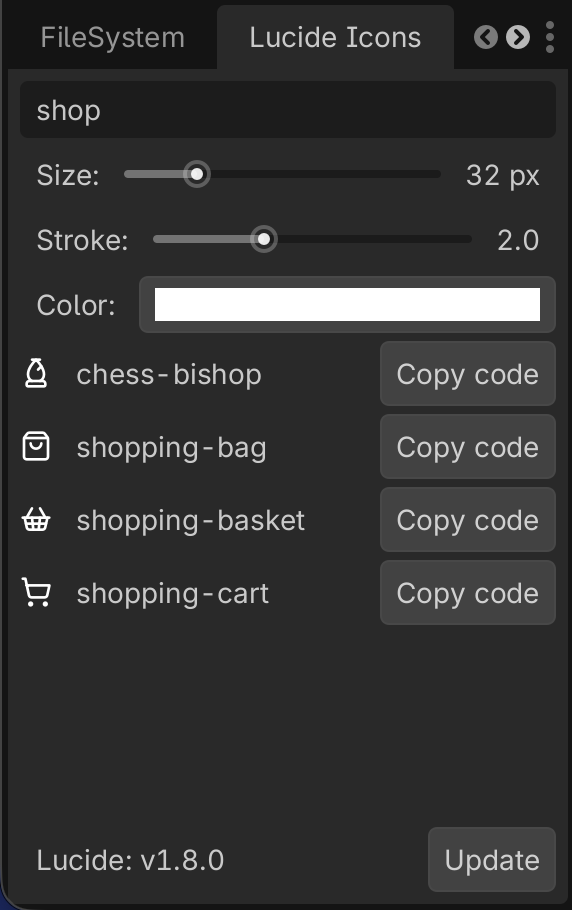
Editor dock with live search, size/stroke/color preview, and one-click "Copy code"
One-click Update button to pull the latest Lucide release without leaving the editor
USAGE (CODE)
Lucide node
var icon := Lucide.new("circle-check", 32, Color.GREEN, 1.5)
add_child(icon)
LucideTexture resource
var tex := LucideTexture.new()
tex.icon_name = "log-out"
$Button.icon = tex
REQUIREMENTS
Godot 4.1 or later
Internet connection for the initial icon download and updates
CHANGELOG
v 1.1.0
- Added LucideTexture resource — use Lucide icons as a Texture2D on any node (buttons, sprites, etc.)
- Fixed release asset lookup using the correct field from the GitHub API
v 1.0.0
- Initial release
LICENSE
MIT — free for personal and commercial use.
Icons are provided by the Lucide project (also MIT licensed).
View files Download Submit an issue Recent Edits