Vector Display 2D 1.4 2D Tools 4.0 Community
Submitted by user Andresit1524; MIT; 2026-03-03
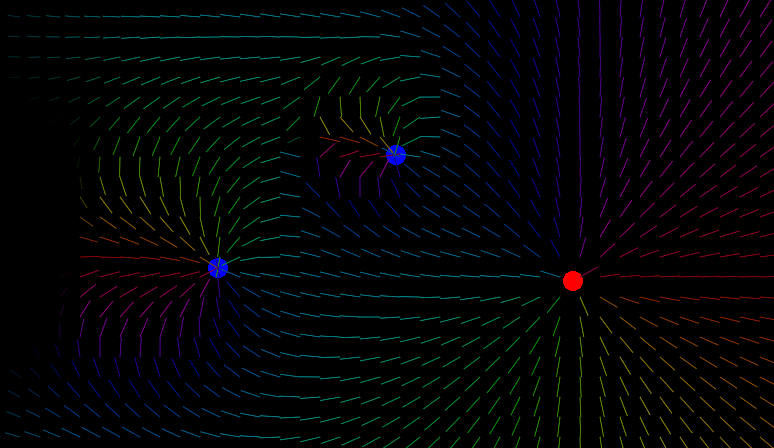
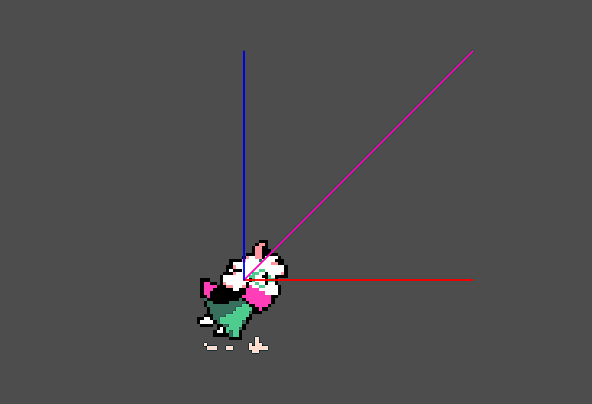
Display your vectors (velocity, acceleration, ...) easily on your game. Currently supports only 2D vectors.
- Add a custom node of type \"VectorDisplay2D\" on your scene. Add many as you want!
- Choose target node, property, and customize with a VectorDisplaySettings resource
- Enjoy! Press \"Shift + V\" in game to toggle display
- Use integrated resource to change the toggle shortcut
- Customize on runtime and have less overhead
- Save, edit and share presets
New functions (1.4):
- Arrowheads
- Now you can save presets on VectorDisplaySettings resources
- Less options, but more intuitive, to do the same and more!
Next features:
- Batch rendering for vector arrays (v2)
- 3D compatibility (v2)
- Autoload access and utilities (if needed, v2 or v3 even)
View files Download Submit an issue Recent Edits