PS1 / PSX Visuals - GD4 Port 2.1.3 Shaders 4.1 Community
Submitted by user scolastico; MIT; 2026-01-25
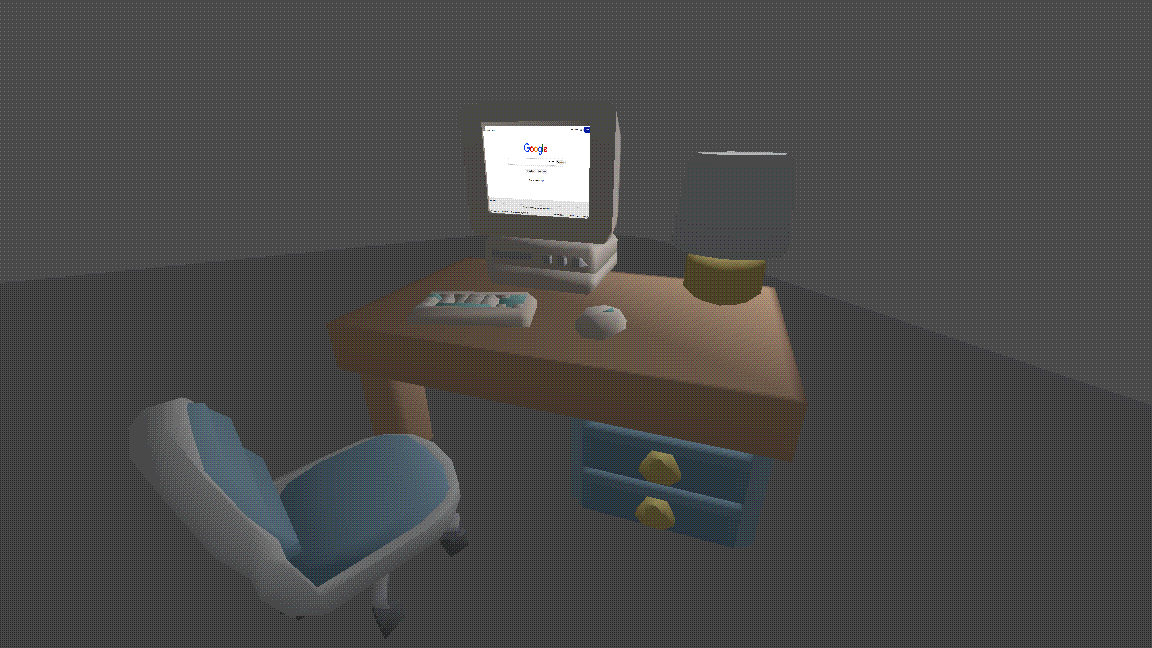
This is a Godot 4 plugin providing a comprehensive suite of shaders and tools to recreate the PlayStation 1 aesthetic. It features vertex snapping, affine texture mapping, distance-based fog, and post-processing dithering managed through Global Shader Uniforms.
The plugin includes specialized shaders for opaque, transparent, and double-sided materials, along with two key autoloads: PsxVisualsGd4AutoLoad for screen-space dithering and PsxVisualsGd4AutoApply for automatic runtime material conversion.
To install, copy the addons folder to your project and enable the plugin in Project Settings. A setup dialog will appear to initialize Shader Globals and toggle autoloads.
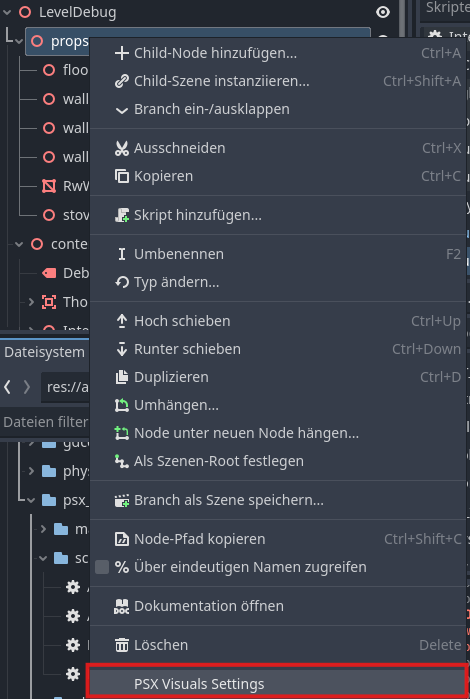
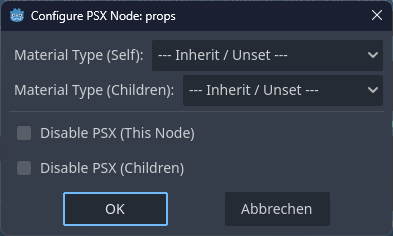
Users can apply effects manually using the provided shaders or use the Auto-Apply system which replaces StandardMaterial3D at runtime. For fine-tuned control, right-click any node in the Scene Tree to access the PSX Visuals Settings menu to toggle effects or override material types for specific branches.
Global settings like vertex snap distance, affine strength, and fog color are managed under Project Settings > Globals > Shader Globals.
When updating, disable the plugin and ensure the cleanup options for Shader Globals and Metadata are unchecked to preserve your project configuration before replacing the addon folder.
Full documentation available at:
https://github.com/scolastico/psx_visuals_gd4
View files Download Submit an issue Recent Edits