Nexus Vertex Painter 2.3.2 3D Tools 4.6 Community
Submitted by user movec; MIT; 2026-08-05
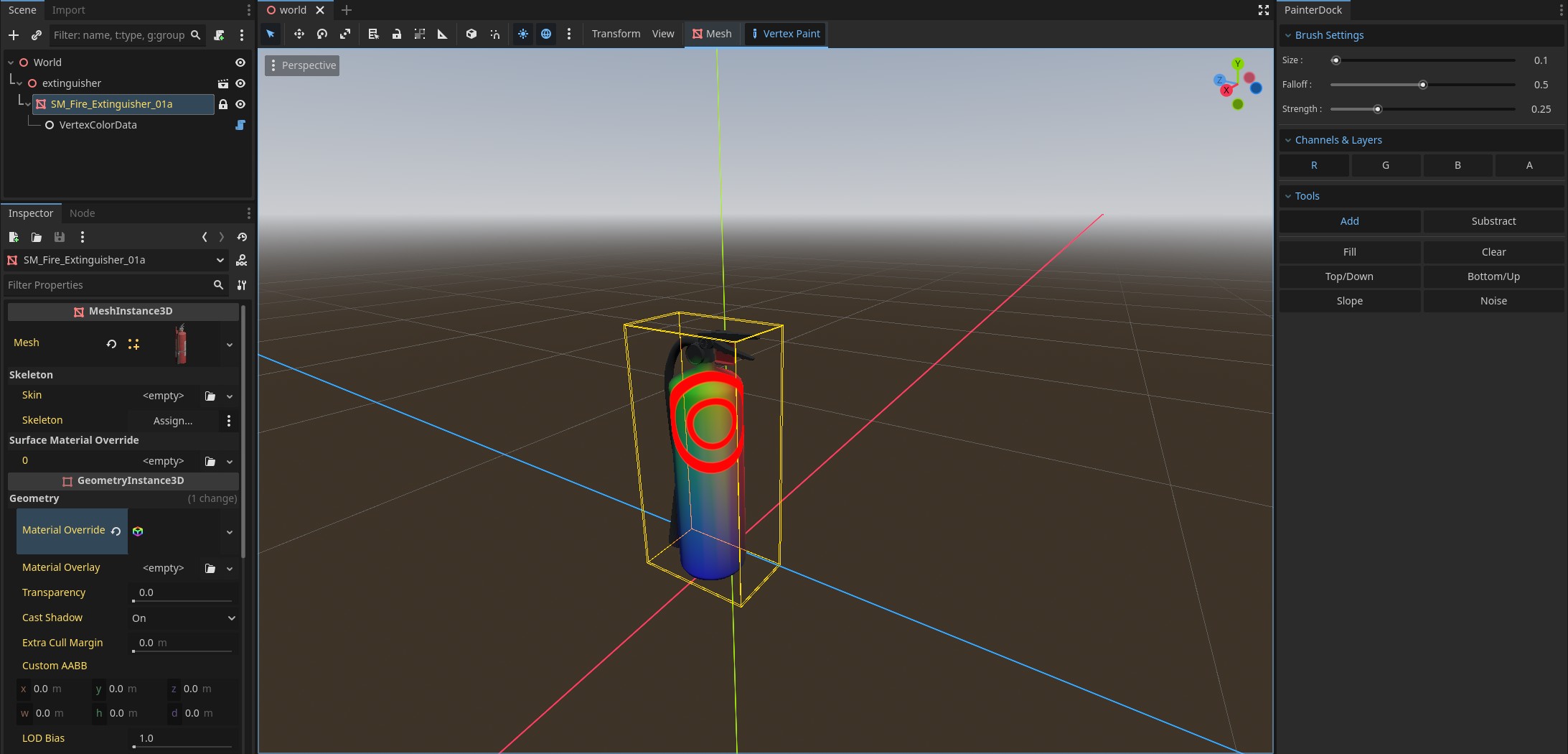
This is a powerful, artist-friendly tool to paint vertex color channels (RGBA) directly in the 3D editor. It is designed for Level Design, Texture Splatting, and Shader Masks, offering a workflow similar to industry-standard tools like Unreal Engine or Substance Painter.
--- Key Features: ---
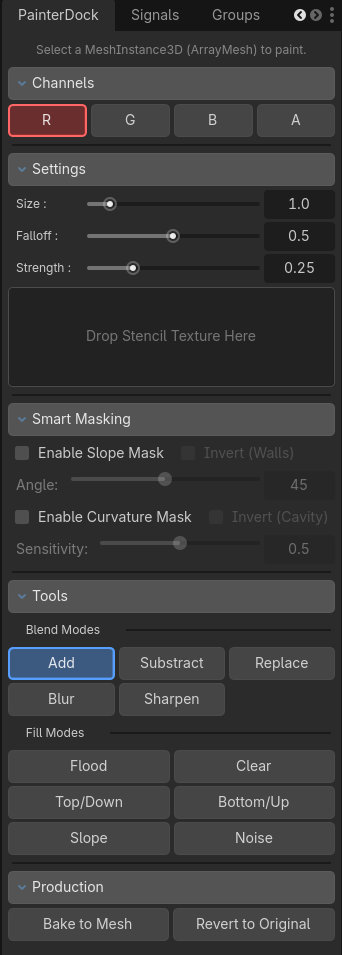
Paint Modes: Add, Subtract, Set (absolute value), Blur/Smooth and Sharpen to blend colors organically.
Brush Stencils (Alphas): Drag & drop textures to paint complex details like grunge, cracks, or leaves. Uses Triplanar Projection to wrap seamlessly around corners.
Smart Masking: Automatically mask your painting by Slope (Angle). Perfect for painting grass only on flat terrain or moss only on steep walls.
Procedural Generators: Apply global effects with one click: Noise, Top-Down (Snow/Dust), and Bottom-Up (Rising Water/Gradient).
--- Production Workflow ---
Non-Destructive: Painting creates a modifier node, keeping your original .glb or .tscn files untouched.
Bake to Resource: When you are finished, click "Bake" to save a permanent, game-ready .res file for maximum performance.
Revert: Changed your mind? Revert the mesh to its original import state with a single click.
Safe: Full Undo/Redo support.
--- Pro Controls ---
Visual Feedback: The brush cursor projects physically onto the mesh, ensuring visibility even on transparent or unshaded materials. Includes a visual Strength Meter.
Mouse Shortcuts:
Ctrl + Right Click + Drag: Adjust Size & Strength.
Shift + Right Click + Drag: Adjust Falloff (Hardness).
Keyboard Shortcuts: X and Z/Y to toggle Blend Modes, 1-4 to toggle Channels.
Ctrl + Z: Undo
Ctrl + Shift + Z: Redo
--- Support ---
Need help or want to share your work? Join the Discord:
https://discord.gg/HMxbzqWCgQ
View files Download Recent Edits