Real Controller v1.2.0 3D Tools 4.5 Community
Submitted by user fdemir; MIT; 2025-11-27
Real Controller
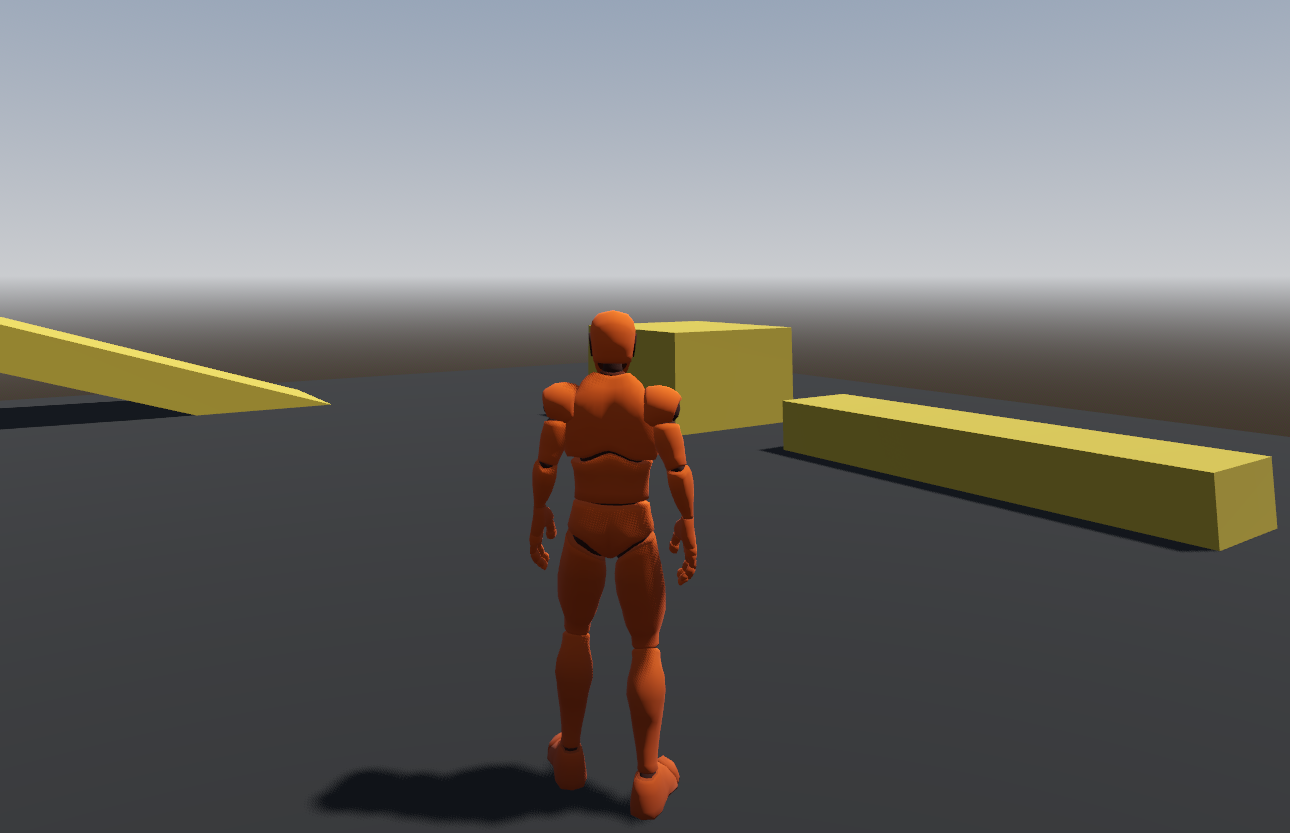
A third-person character controller for Godot 4.6 with smooth locomotion, camera controls, and animation blending.
Example (image)
Features:
Camera Mode: First-person and third-person camera modes
Locomotion System: Walk, run, and sprint with 8-directional movement blending
Jump Mechanics: Ground-based jumping with gravity handling
Camera Controls: Third-person camera with configurable tilt limits and mouse sensitivity
Controller Support: Full gamepad support with analog stick movement
Animation System: Smooth animation blending using AnimationTree
Smooth Rotation: Character mesh rotates smoothly to face movement direction
Requirements:
Godot 4.6 or later
Installation:
Copy the addons/real-controller folder into your project's addons directory
Enable the addon in Project Settings > Plugins
Add the character scene (addons/real-controller/character.tscn) to your scene or use the example scene
Setup:
How to change the character model? - Real Controller | Godot 4.6 - Youtube Video (link)
Input Map Configuration:
The controller requires the following input actions to be configured in your project:
Go to Project > Project Settings > Input Map
Add the following actions with their recommended inputs:
Action - Keyboard - Controller (Optional)
forward - W - Left Stick Up
backward - S - Left Stick Down
left - A - Left Stick Left
right - D - Left Stick Right
jump - Space - A Button
sprint - Left Shift - Right Trigger
walk - Left Alt - (none)
camera_mode_switch - V - (none)
look_up - (none) - Right Stick Up
look_down - (none) - Right Stick Down
look_left - (none) - Right Stick Left
look_right - (none) - Right Stick Right
Note: These input mappings are required for the controller to function properly. Make sure all actions are configured before running the scene. Controller support can be toggled via the controller_support export variable.
Configuration:
The controller exposes several export variables for customization:
Movement: Speed, sprint speed, jump velocity
Camera: Mouse sensitivity, controller sensitivity, tilt limit, rotation speed, controller support toggle
If you think the camera is too high or too low, you can change the Y axis of the CameraPivot node. It will help you adjust the camera height.
Credits:
Animations and the Mesh are from the “Basic Motions Free”.
Todo:
Adding new animations from mixamo guide
Change mesh guide (done)
Walk (done)
Crouch
License:
MIT License - See LICENCE file for details.
View files Download Submit an issue Recent Edits