Xogot Connect 1.0.8 Tools 4.4 Community
Submitted by user Xogot; MIT; 2026-10-05
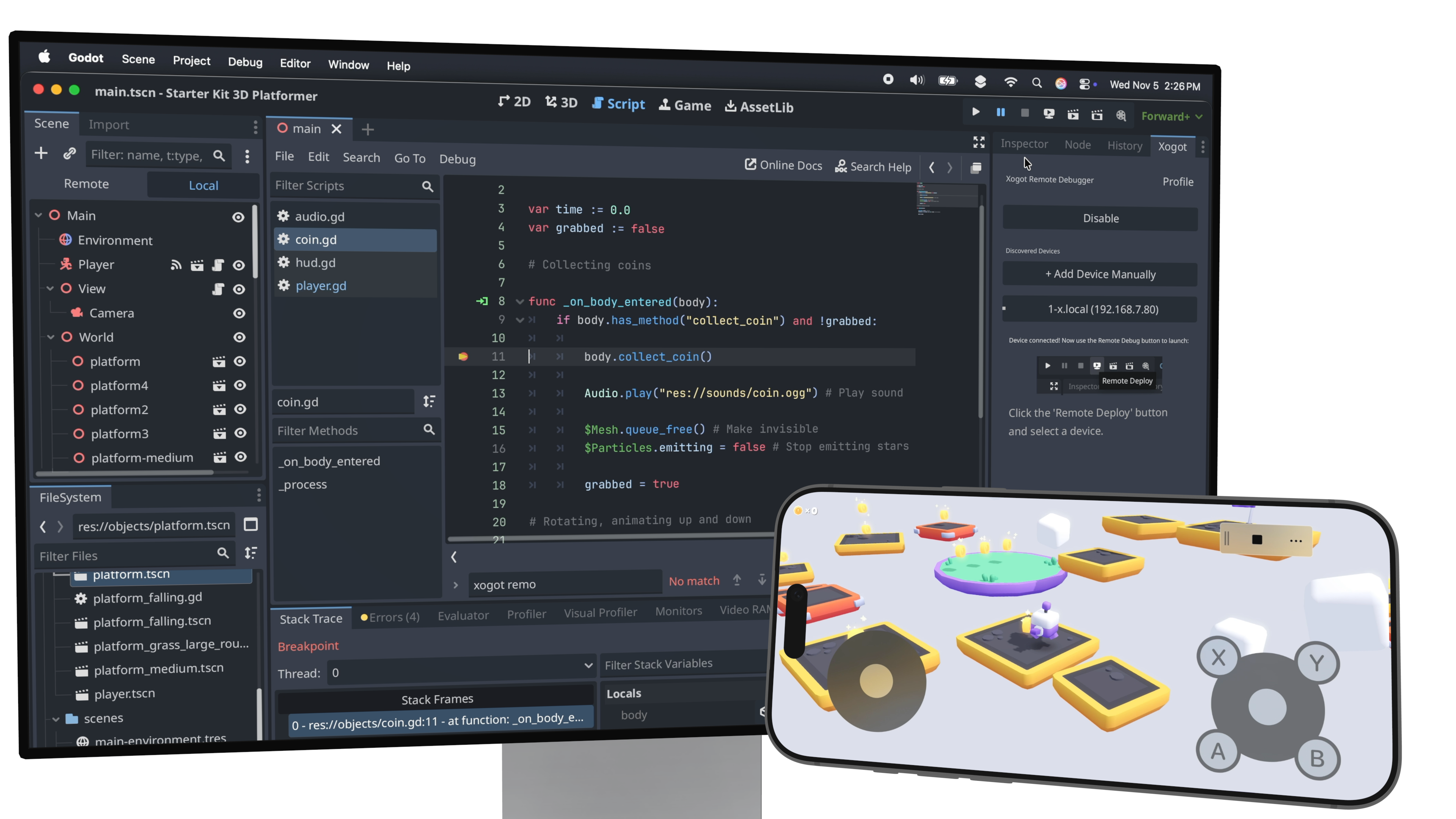
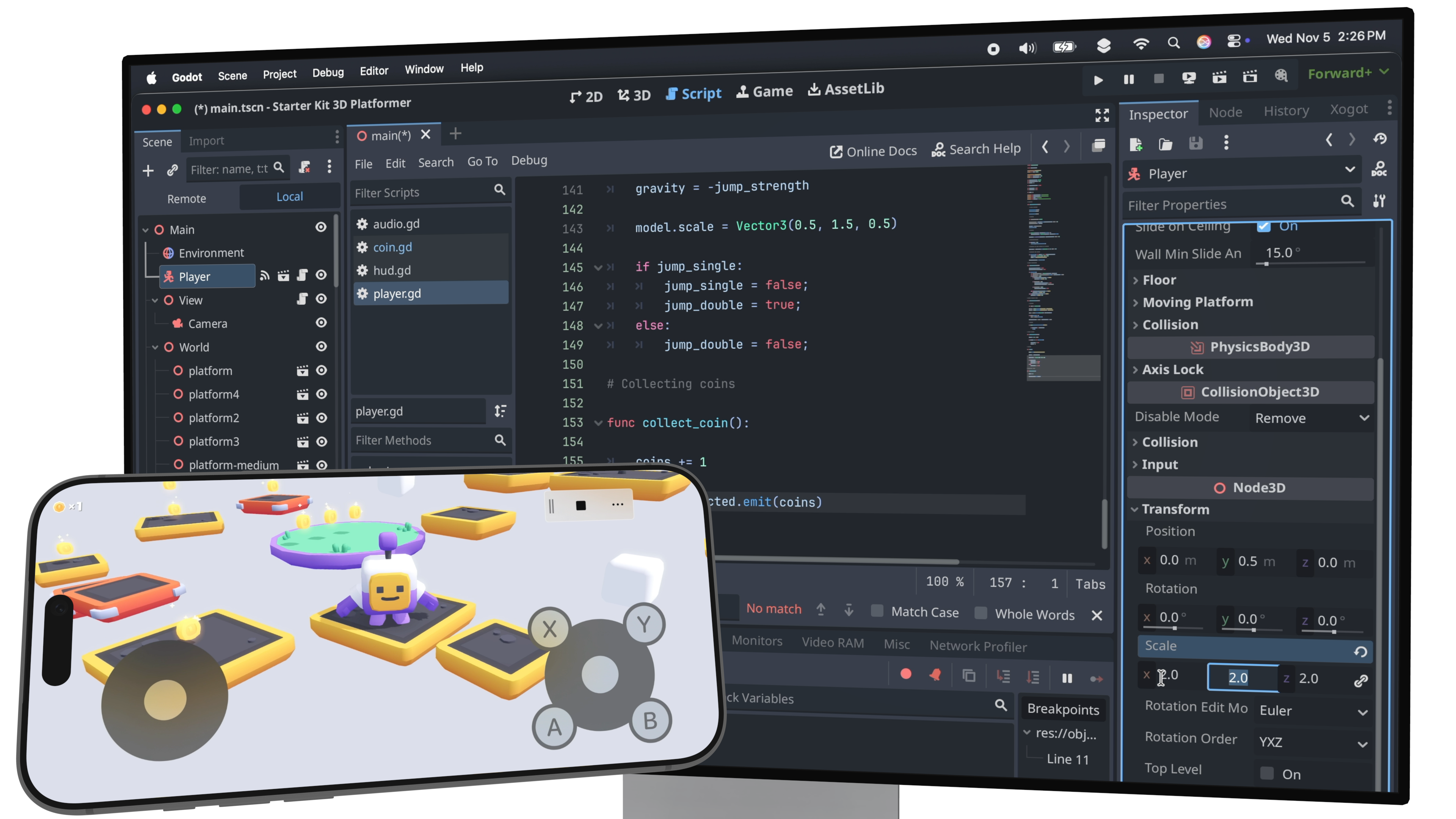
Xogot Connect links the Godot editor on your desktop to the Xogot app on iPad or iPhone, so you can deploy, run, and debug your games directly on real iOS hardware. Xogot Connect is not included in Xogot’s free tier and requires an active Xogot subscription or license on the paired device.
Xogot for iPad and iPhone:
https://apps.apple.com/us/app/xogot-make-games-anywhere/id6469385251
Once installed, the plugin adds a new Xogot pane in the Godot editor. From there, you can sign in to your Xogot account, pair with nearby devices, and launch your game using the Remote Deploy button. Breakpoints, live property inspection, and scene browsing work just like local debugging.
The plugin also adds support for Xogot’s iOS Virtual Controller, which you can configure under Project Settings > Input Devices > Virtual Controller. This makes it easy to test touch controls when running your game in Xogot.
For full setup instructions and pairing details, visit the GitHub README:
https://github.com/xibbon/xogot_connect/
Learn more about Xogot:
https://xogot.com
View files Download Submit an issue Recent Edits