Audio Manager 2.0.1 Tools 4.5 Community
Submitted by user Saulo de Souza; MIT; 2025-12-02
A comprehensive audio management solution for Godot projects that provides enhanced control over audio playback with support for 2D and 3D audio streams, clipping functionality, and advanced audio properties.
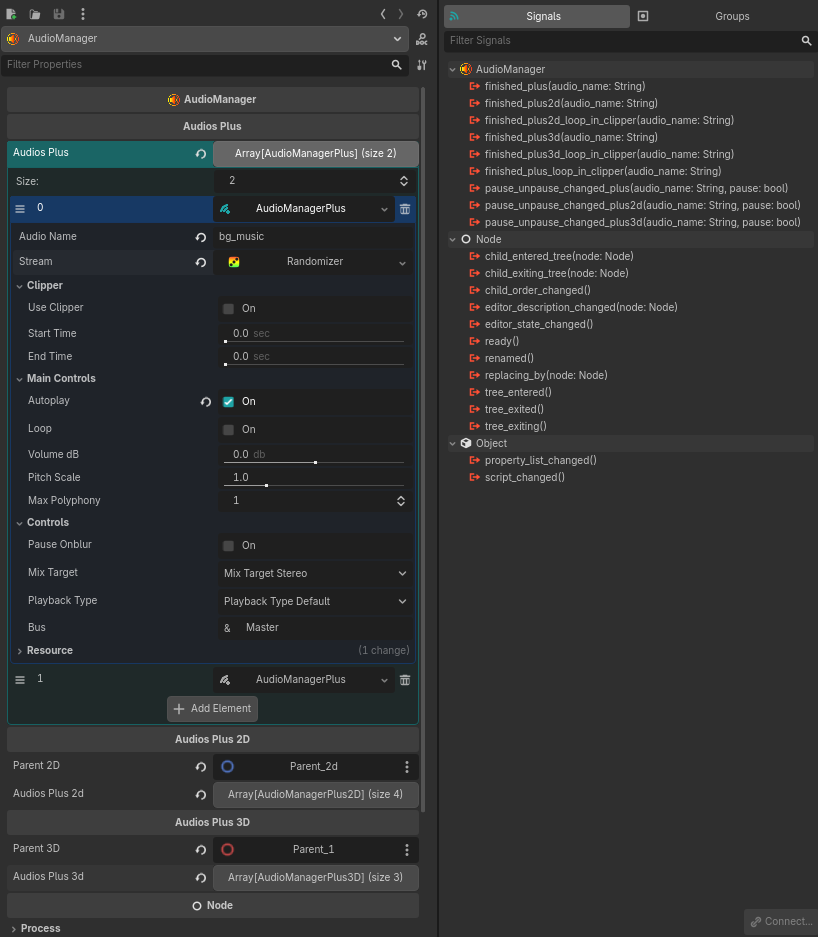
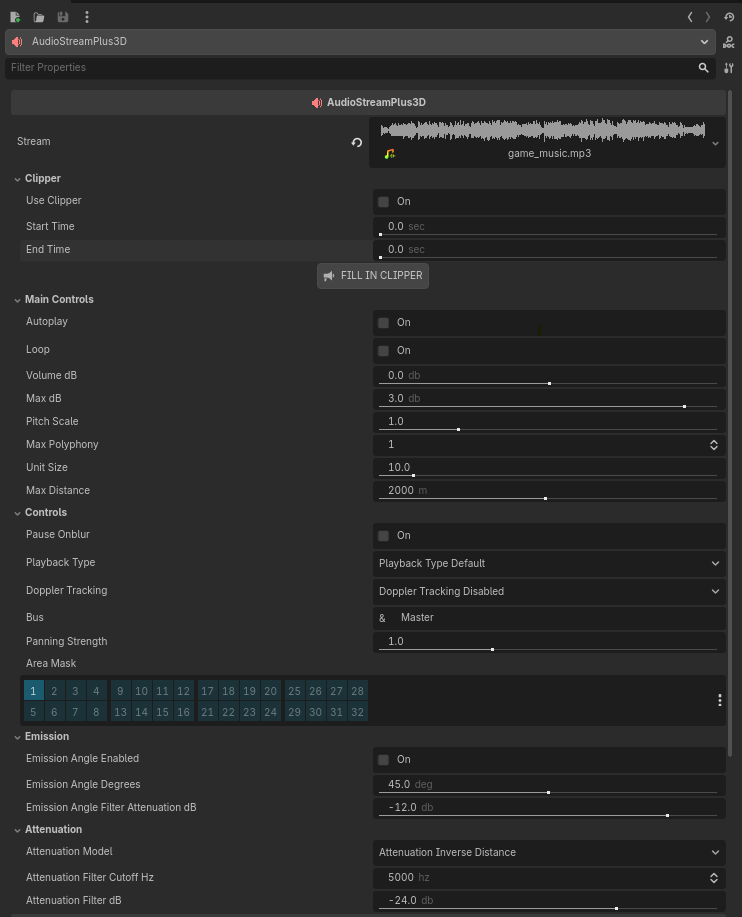
Audio Manager manages 3 main classes: AudioMangerPlus, AudioMangerPlus2D, and AudioMangerPlus3D, each representing the native Godot classes AudioStreamPlayer, AudioStreamPlayer2D, and AudioStreamPlayer3D, respectively.
AudioMangerPlus (omni, 2D, and 3D) replaces the old Audio Manager v1.x classes (AudioMangerOmni, AudioManger2D, and AudioManger3D). These 3 new nodes come with the package, and you can add them separately without needing AudioManager if you wish.
What AudioManger can do for you:
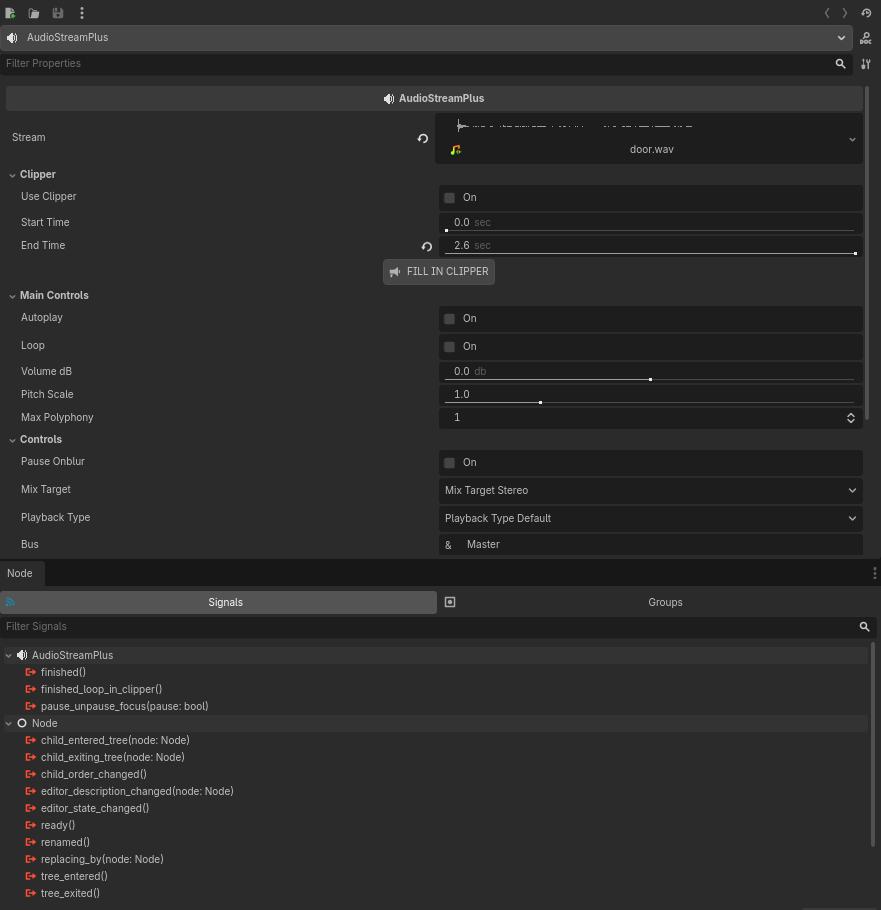
1- Currently, Godot's native Interactive stream does not emit a finished signal. With the new classes AudioStreamPlus, AudioStreamPlus2D, AudioStreamPlus3D, and AudioMangerPlus along with AudioManger, this is now possible.
2- Version 1.x did not have support for web games, but now it does! If you mark the audio as looping now, it will behave on the web without even having to re-import the audio as looping. In other words, now you just need to mark in the Godot inspector that you want the audio loop, and it will work for the web as well.
3- Due to limitations for web games, the web javascript API kills game processing when it loses focus. That is, if you navigate outside the browser tab, it causes unexpected behavior. With this in mind, this version 2x now has the pause_onblur option, which, if marked as true, pauses the audio and emits a signal.
4- The plugin now has better performance. It has been completely rewritten. Therefore, use Godot 4.5x or higher.
5- Some native Godot features lack support for pitch scale and max polyphony in some audio files with playlists and synchronized audio. If you forget this, the plugin will warn you in the console.
The Audio Manager inserts audio files into the parent node for omni audio files (AudioManagerPlus), and for AudioManagerPlus2D and AudioManagerPlus3D audio files, you can choose the parent of each audio group in the inspector using the parent_2d and parent_3d properties. Once these properties are defined, the 2D and 3D audio files are reparented to these nodes, allowing you to take full advantage of proximity sound effects, for example.
View files Download Submit an issue Recent Edits