godot-4-mobile-plugin 1.0.2 Tools 4.0 Community
Submitted by user Sabinayo; MIT; 2026-03-20
A plugin used to display a help bar and tooltip on mobile devices.
How to use:
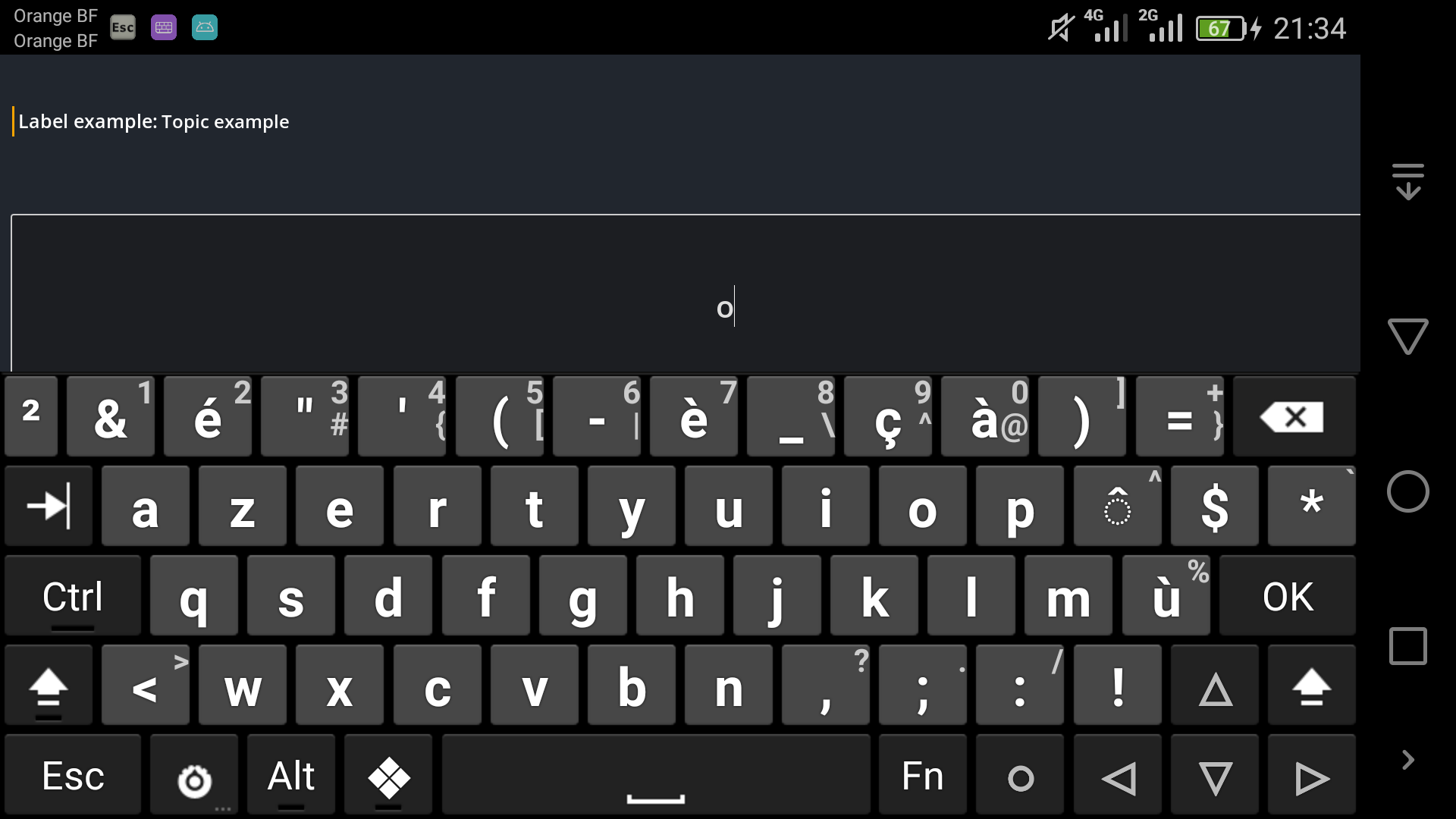
To test the plugin directly on your PC, go to "Project > Project Settings" and enable "enable_touch_from_mouse". Then load the demo scene located at "addons/mobile/examples/demo.tscn". By default, only a device with a virtual keyboard can display the help bar. In order to test this on your PC, you can comment the restrictor in the "display_help_bar" method of the"mobile.gd" script.
Configuration:
Help bar: Select a LineEdit or SpinBox node and enable HelpBar in the inspector. Then, edit settings as you want.
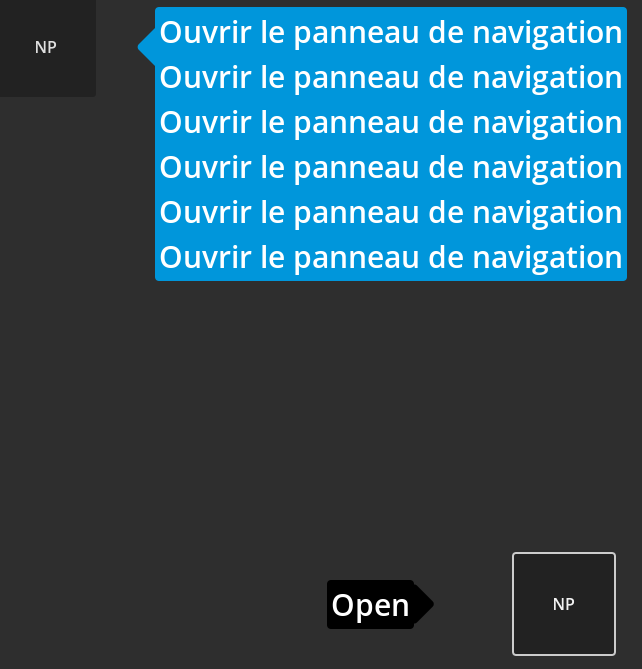
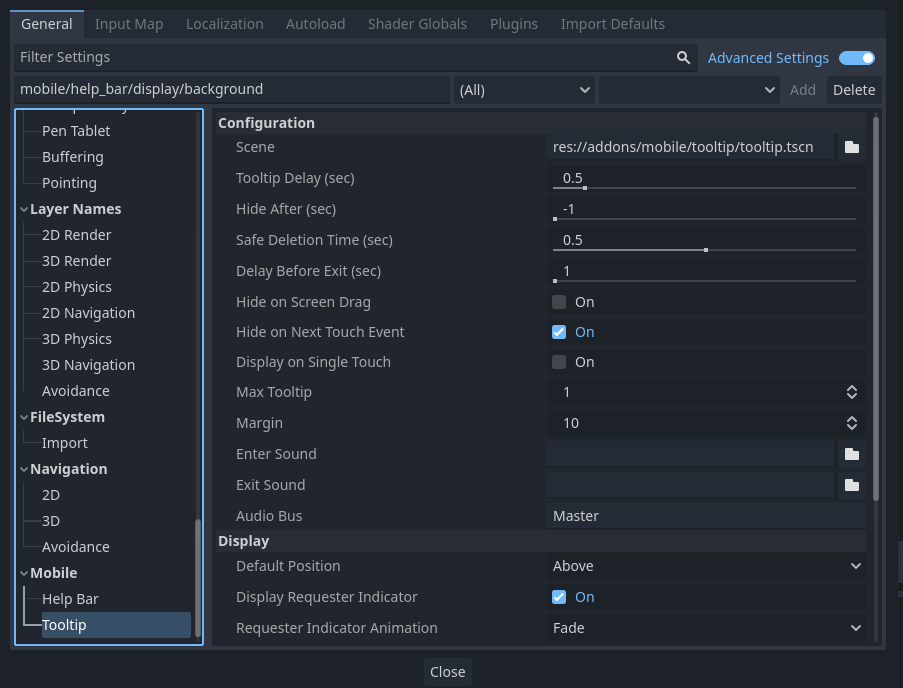
Tooltip: Select any Control node in the scene dock and look at the Tooltip property in the inspector. Then above Tooltip Text check Display on Mobile.
View files Download Submit an issue Recent Edits